In the digital world, your password is like the key to your house — it protects your most valuable treasures: your personal data, finances, and identity. Just as you wouldn’t leave your home unlocked, you shouldn’t leave your online accounts vulnerable either.
A strong password is your first line of defense. Imagine a thief trying to break into a vault. The stronger the lock (your password), the safer your information is. But what happens if you don’t secure that lock?
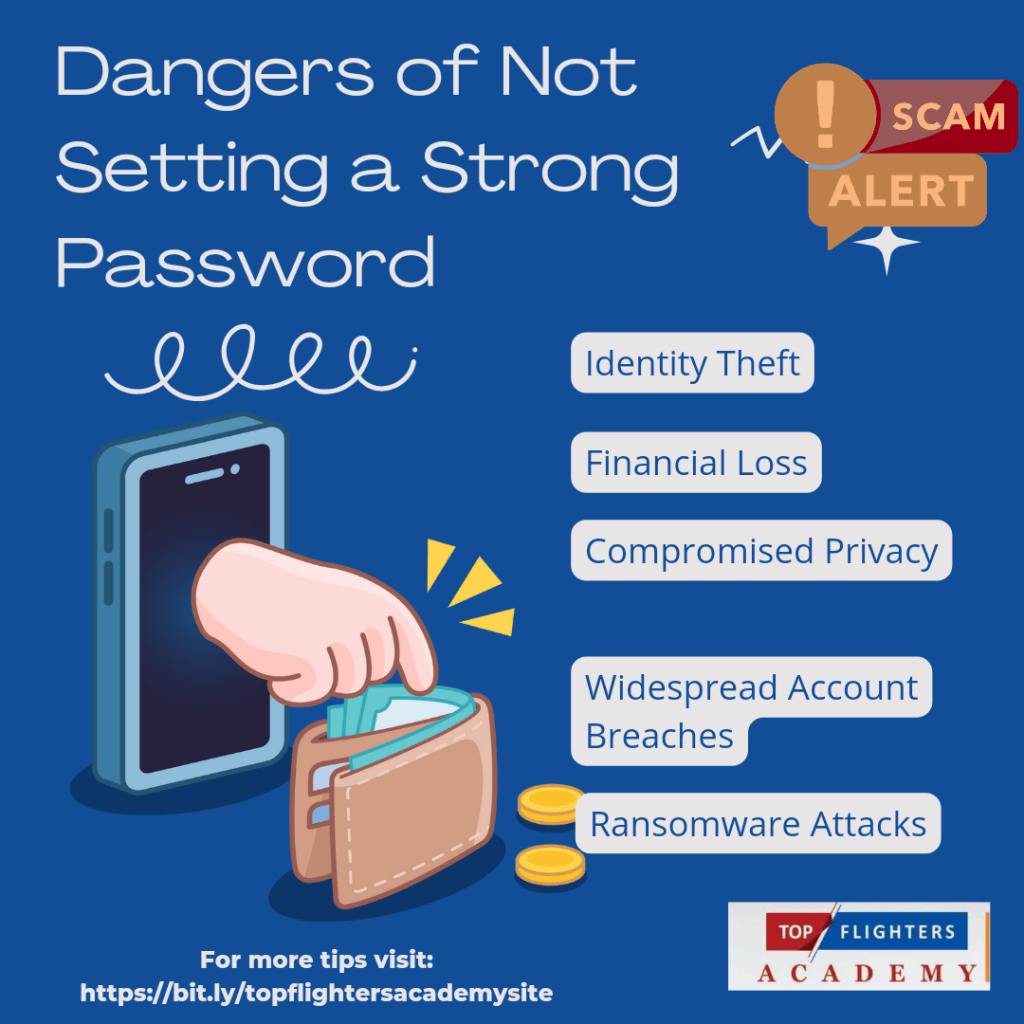
🚨 Dangers of Not Setting a Strong Password
Identity Theft: Hackers can impersonate you, accessing personal information to steal your identity.
Financial Loss: Weak passwords make it easy for cybercriminals to access your bank accounts, leading to fraud or drained funds.
Compromised Privacy: Personal photos, conversations, and sensitive files can fall into the wrong hands.
Widespread Account Breaches: Using the same weak password across platforms could allow a hacker to breach multiple accounts at once.
Ransomware Attacks: Hackers could lock you out of your own data and demand payment to restore access.
6 Tips for Creating and Protecting Your Passwords
1. Use Long and Complex Passwords Make it at least 12 characters long, combining upper and lower case letters, numbers, and special symbols.
2. Avoid Common Words or Personal Info Don’t use names, birthdays, or easy-to-guess words like “password123.” Hackers know these tricks!
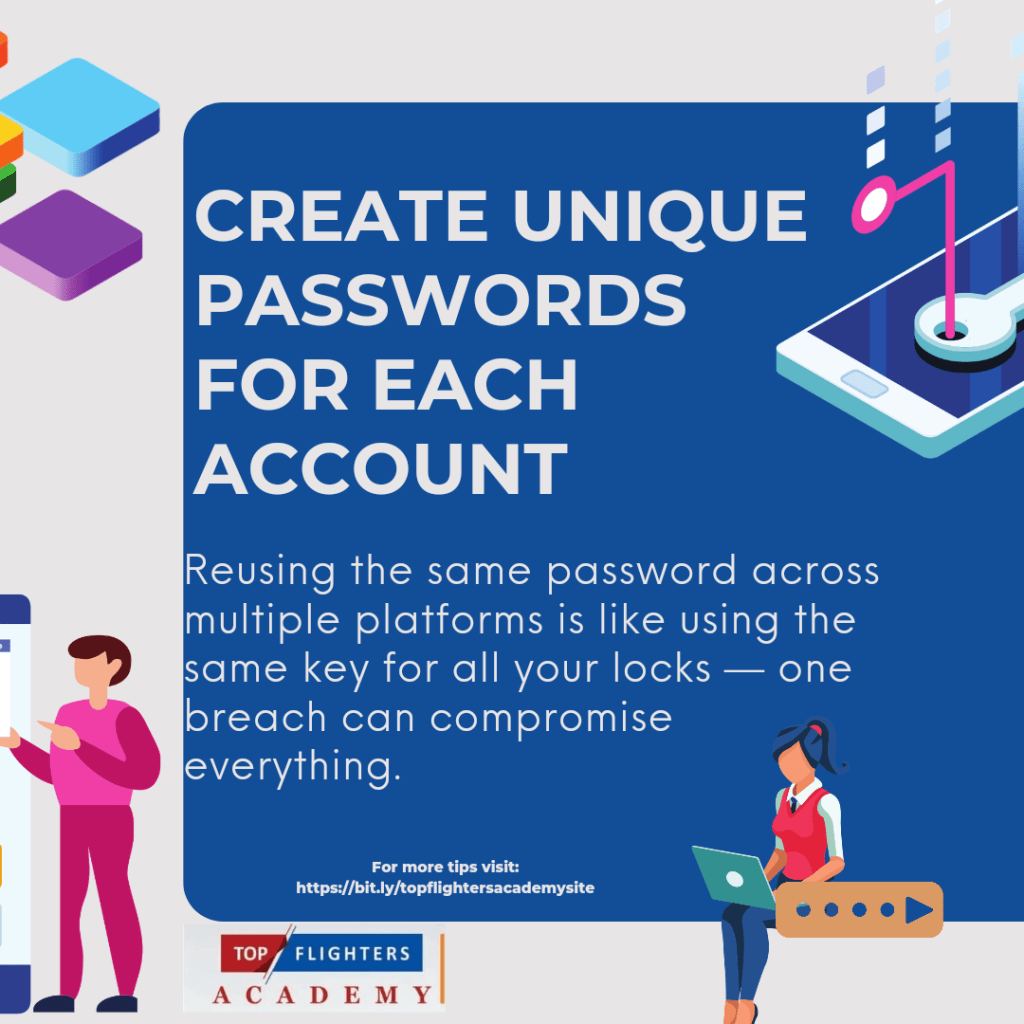
3. Create Unique Passwords for Each Account Reusing the same password across multiple platforms is like using the same key for all your locks — one breach can compromise everything.
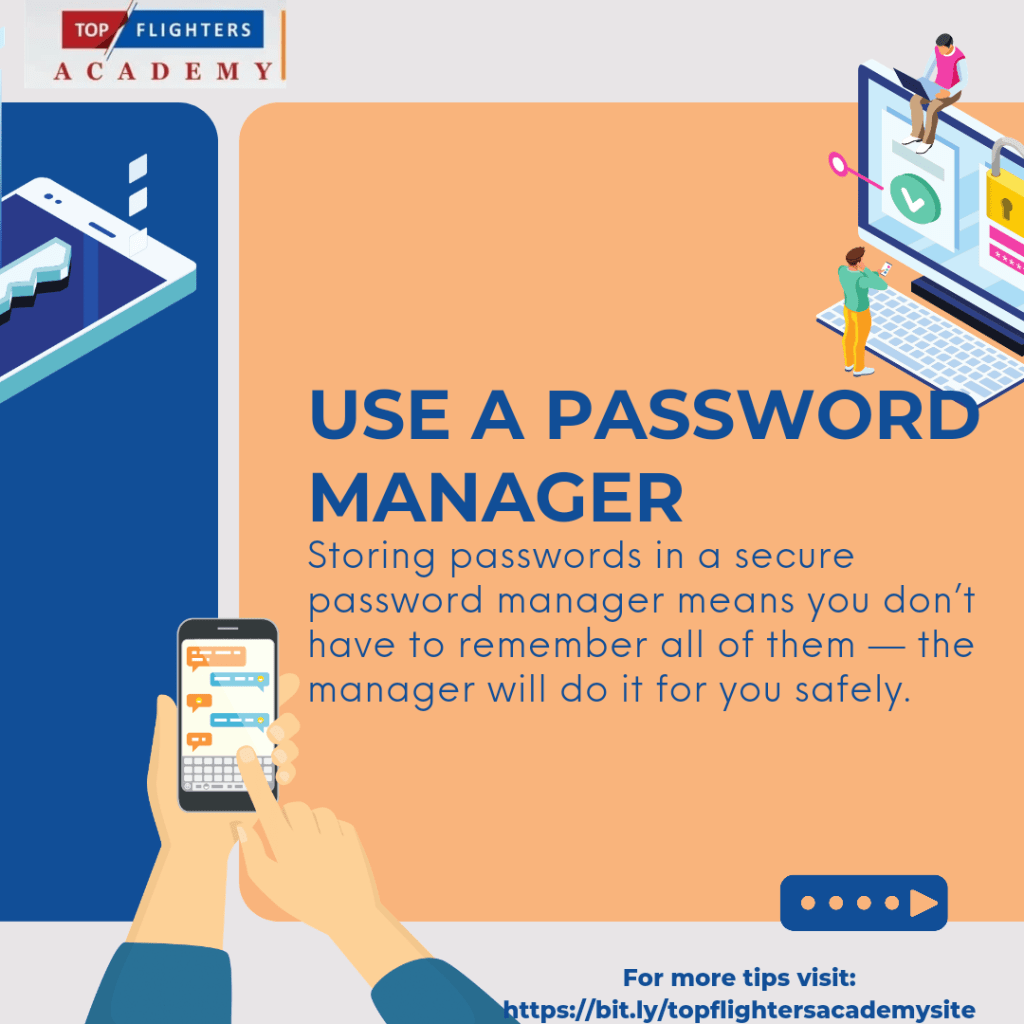
4. Use a Password Manager
Storing passwords in a secure password manager means you don’t have to remember all of them — the manager will do it for you safely.
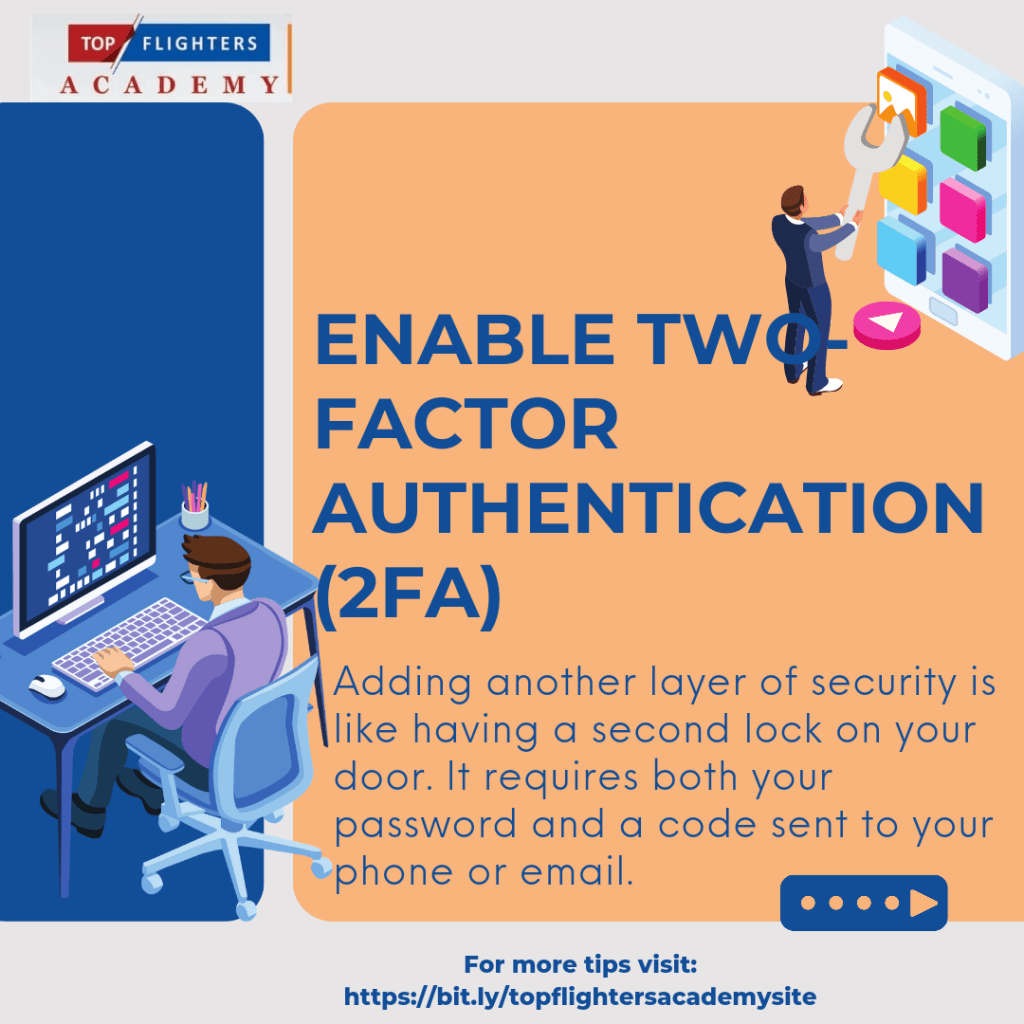
5. Enable Two-Factor Authentication (2FA): Adding another layer of security is like having a second lock on your door. It requires both your password and a code sent to your phone or email.
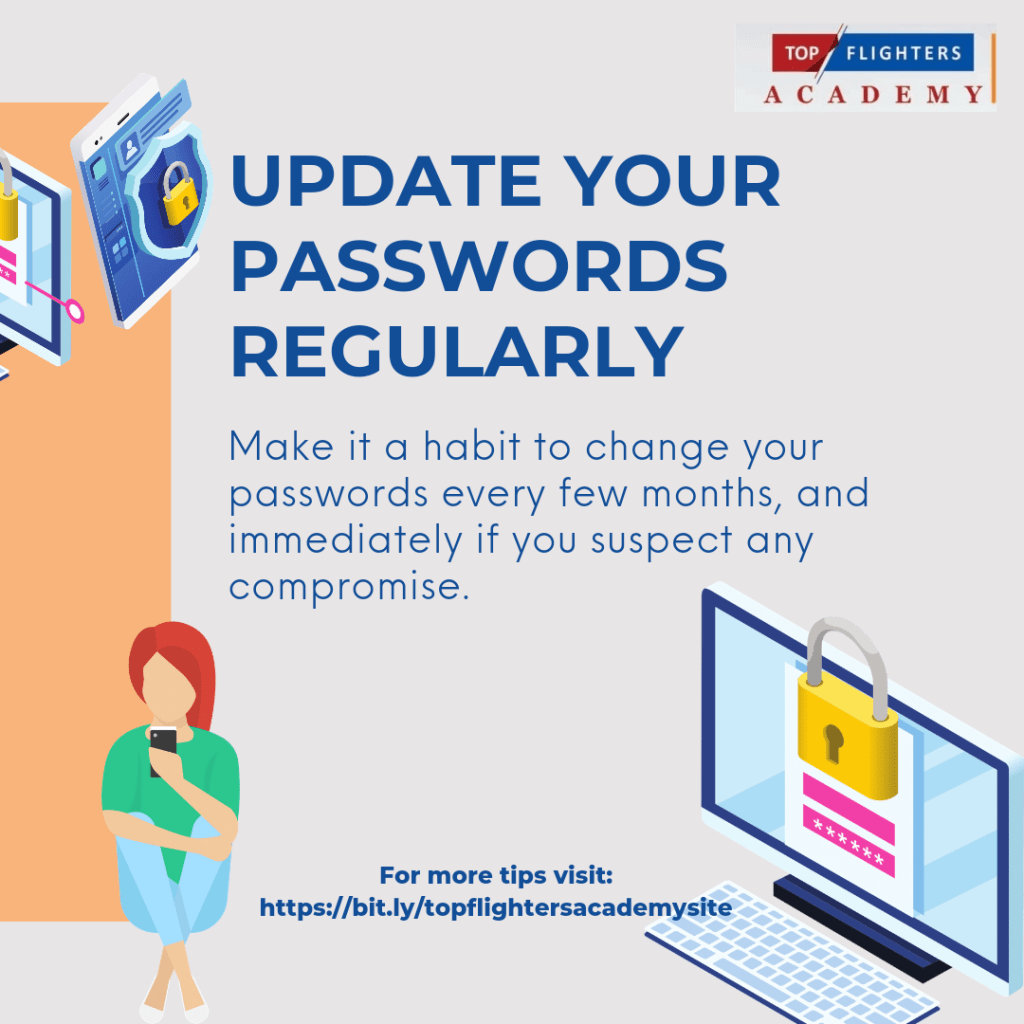
6. Update Your Passwords Regularly: Make it a habit to change your passwords every few months, and immediately if you suspect any compromise.Stay safe, stay smart, and protect what matters most in the digital world!
Thank you for reading , we hope you found it informative! Watch out for another post here tomorrow as we celebrate Digital Citizenship Week!
Contact us here for speaking engagements on Digital Citizenship Education:
topflighter01@gmail.com,+2348186504445
Don’t forget to follow us on all Social Media Handles @TopflightersAcademy
#DigitalCitizenship #OnlineSafety #PasswordProtection #StaySafeOnline #DigitalSecurity #CyberSecurity #OperationMaketheInternetSafe #DigitalCitizens #TopflightersAcademy #EduPlus #TeacherFunke #digitalsafety #DigitalCitizenshipWeek

 EduPlus