SUBJECT: How to Use VR to Enhance Learning and Engagement in Your Classroom
Dear educators,
Have you ever wondered what it would be like to explore the human brain, visit ancient civilizations, or travel to outer space? With virtual reality (VR), you can do all that and more in your classroom. VR is a technology that creates immersive and interactive 3D environments that simulate real or imagined scenarios. VR can offer a variety of benefits for learning and teaching, such as increasing motivation, engagement, retention, and creativity. However, VR can also pose some challenges, such as technical issues, cost, accessibility, and ethical implications. In today’s post, I will show you how to use VR in your classroom in a feasible and effective way. You will learn about some of the best tools and resources for creating and experiencing VR, as well as some tips and best practices for integrating VR into your curriculum and pedagogy.
One of the easiest and cheapest ways to create your own VR experiences is to use a smartphone and an app called Panorama 360. This app allows you to capture 360-degree photos and videos of your surroundings, which you can then view in VR mode using a cardboard headset or a smartphone based headset (as discussed in one of the previous episodes). You can also upload your panoramas to the app’s gallery, where you can explore other users’ VR creations from around the world. To use Panorama 360 in your classroom, you can follow these steps:
– Download the app from the Google Play Store or the App Store and install it on your smartphone.
– Launch the app and tap on the camera icon to start capturing your panorama. You can choose between photo or video mode, and adjust the settings according to your preference.
– Hold your smartphone horizontally and move it slowly in a circular motion to capture your surroundings. The app will guide you with a blue dot and a green circle to help you align your shots. You can also pause and resume your capture at any time.
– When you are done, tap on the check mark to save your panorama. You can then preview it, edit it, or share it with others. You can also add a title, a description, and a location to your panorama.
– To view your panorama in VR mode, tap on the VR icon and insert your smartphone into a cardboard headset. You can then look around and enjoy your VR experience.
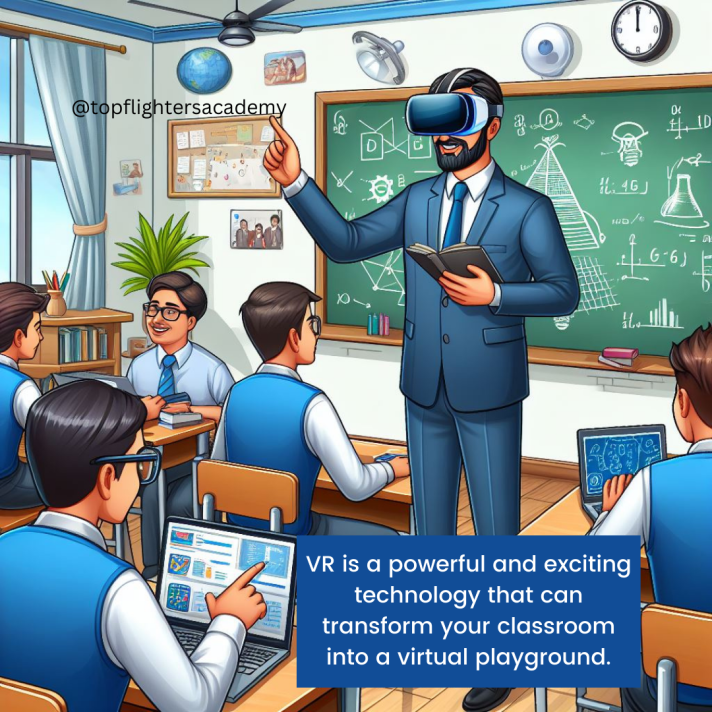
VR is a powerful and exciting technology that can transform your classroom into a virtual playground. By using VR, you can provide your students with immersive and engaging learning experiences that can enhance their understanding and enjoyment of various topics and subjects. However, VR also requires careful planning and preparation to ensure its feasibility and effectiveness. In this blog post, I have shared with you some of the best tools and resources for creating and experiencing VR, as well as some tips and best practices for integrating VR into your curriculum and pedagogy. I hope you have found this blog post helpful and informative. If you have any questions, comments, or feedback, please feel free to leave them below. And if you have tried VR in your classroom, please share your experiences and outcomes with us. Thank you for reading and happy VR-ing! 😊
To your best interest,
Funke Akpan
Technology Integration Expert
Founder, Topflighters Academy


 EduPlus