In today’s fast-paced, tech-driven world, the concept of digital citizenship has never been more crucial. Whether we’re using social media, researching for school or work, or connecting with others across the globe, our online actions have real-world implications. So, how can we ensure we navigate this digital space both responsibly and respectfully?
What is Digital Citizenship?
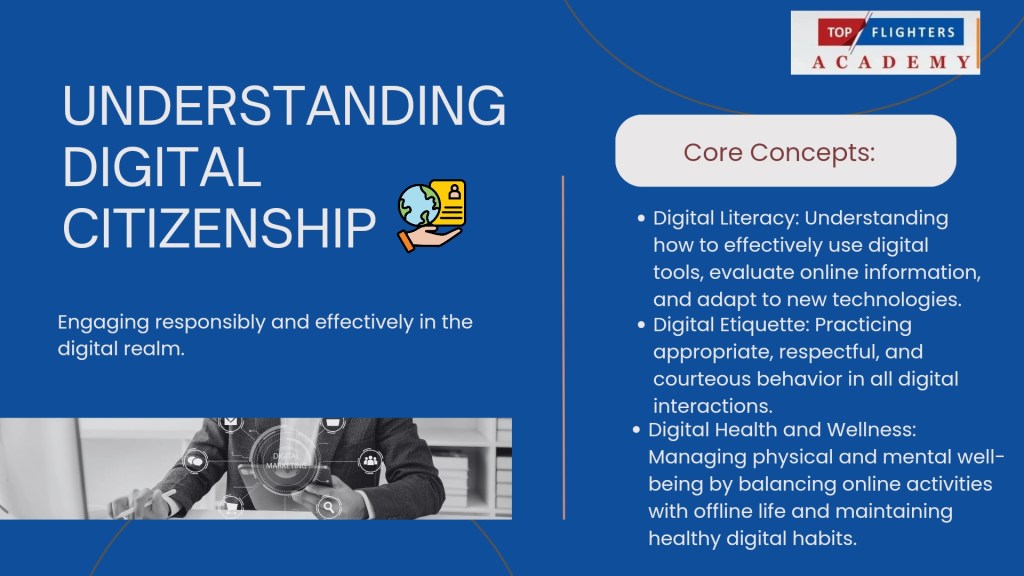
At its core, digital citizenship refers to the responsible use of technology by anyone who engages with digital devices, the internet, and other virtual platforms. It’s not just about knowing how to use a computer or a smartphone but understanding how to participate in the digital world ethically and productively. This includes respecting others’ privacy, avoiding cyberbullying, protecting personal data, and being mindful of the legal and moral consequences of one’s actions online.
Key Pillars of Digital Citizenship
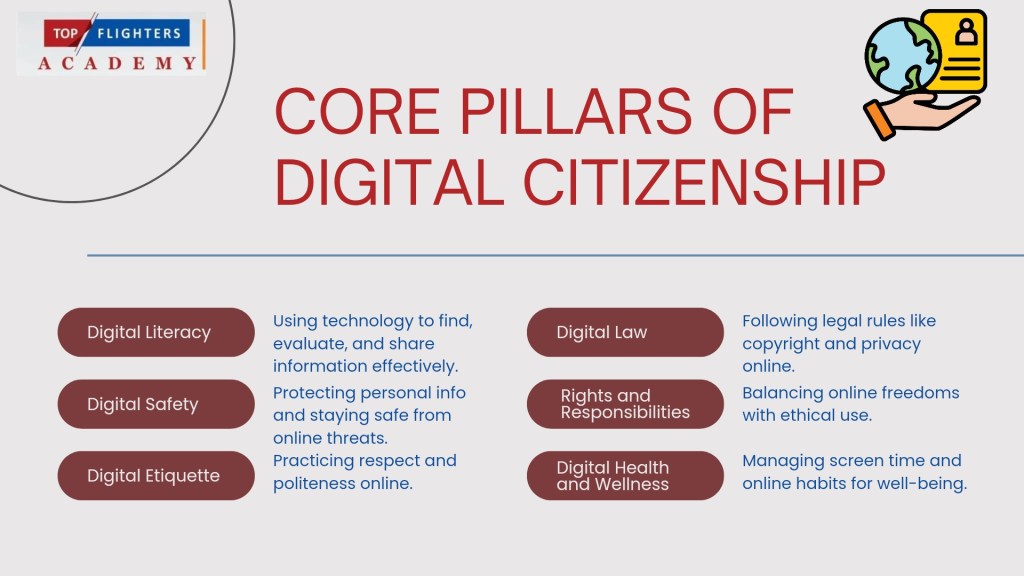
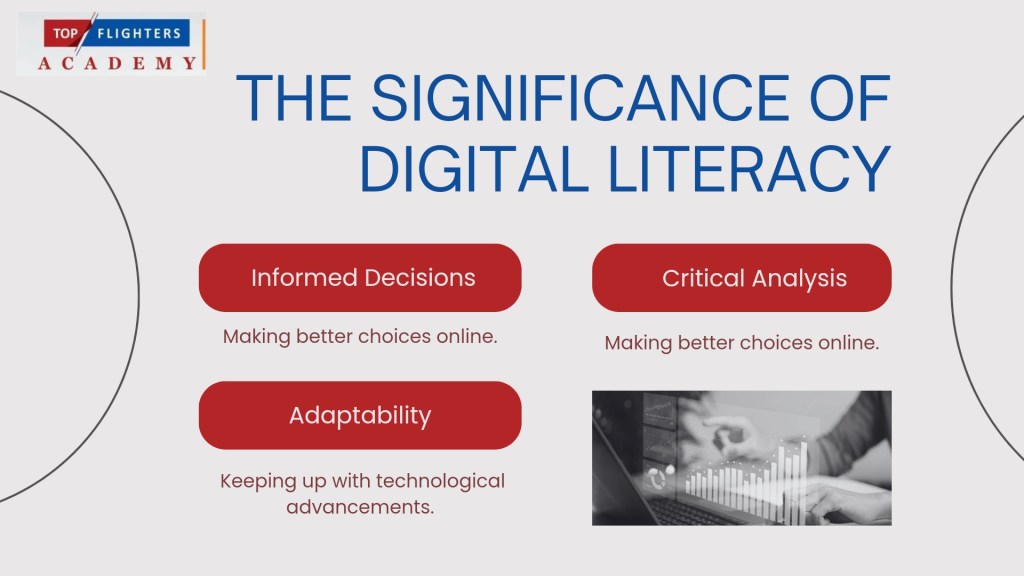
1. Digital Literacy: Digital literacy is the foundation of digital citizenship. This means having the ability to effectively find, evaluate, and communicate information using technology. As a digital citizen, it’s essential to be able to discern credible sources from unreliable ones, understand how algorithms shape what we see online, and stay up-to-date with digital trends.
2. Digital Etiquette: Just as there are societal rules that govern how we interact in person, there are also expectations for how we should behave online. This is known as digital etiquette. It’s about treating others with respect, avoiding inflammatory language, and practicing kindness. It’s especially important in an age where online anonymity can sometimes bring out the worst in people. Being polite and considerate online helps foster a more positive and productive digital environment.
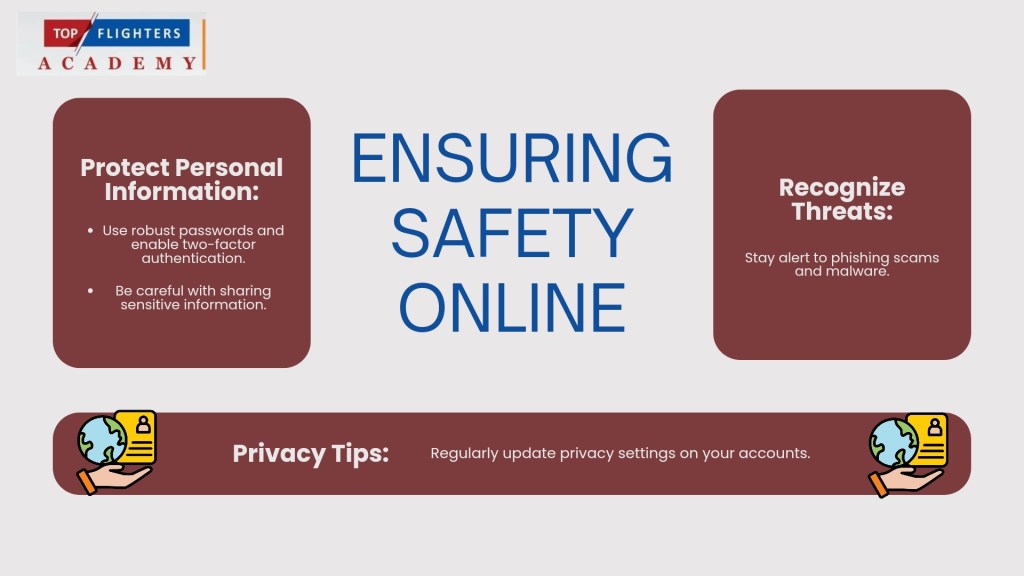
3. Digital Safety and Security: While the internet has made information more accessible, it has also made it easier for hackers, scammers, and cybercriminals to exploit others. Digital citizens must take precautions to safeguard their personal information. This includes using strong passwords, being wary of phishing scams, and regularly updating software to protect against malware. Staying informed about digital threats and practicing good online habits ensures that your digital footprint is secure.
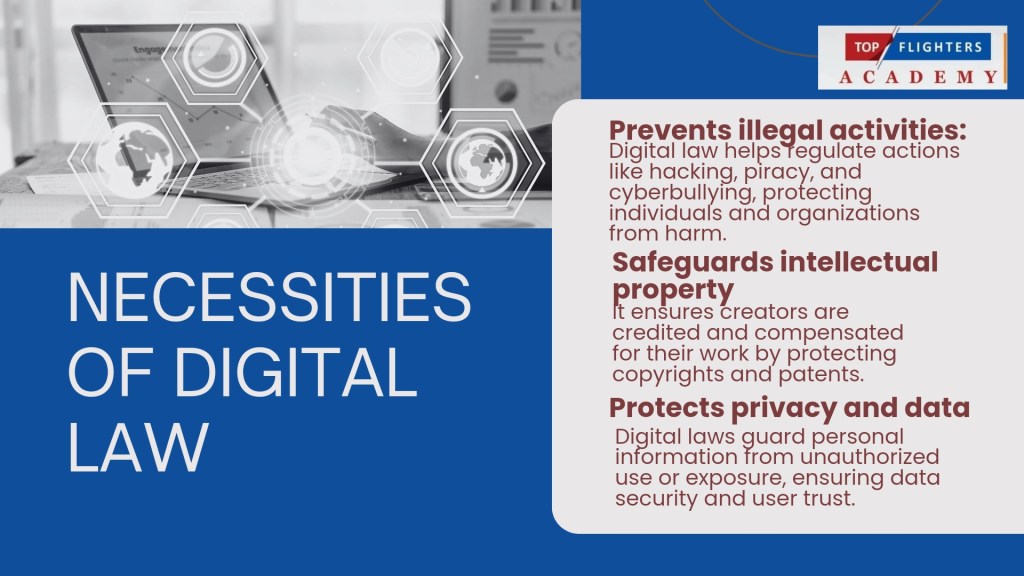
4. Digital Law: Many people are unaware that their online actions can have legal consequences. Sharing copyrighted material without permission, engaging in cyberbullying, or hacking into systems can lead to severe penalties. Understanding digital laws—such as copyright, fair use, and privacy rights—helps individuals navigate the online world while staying on the right side of the law.
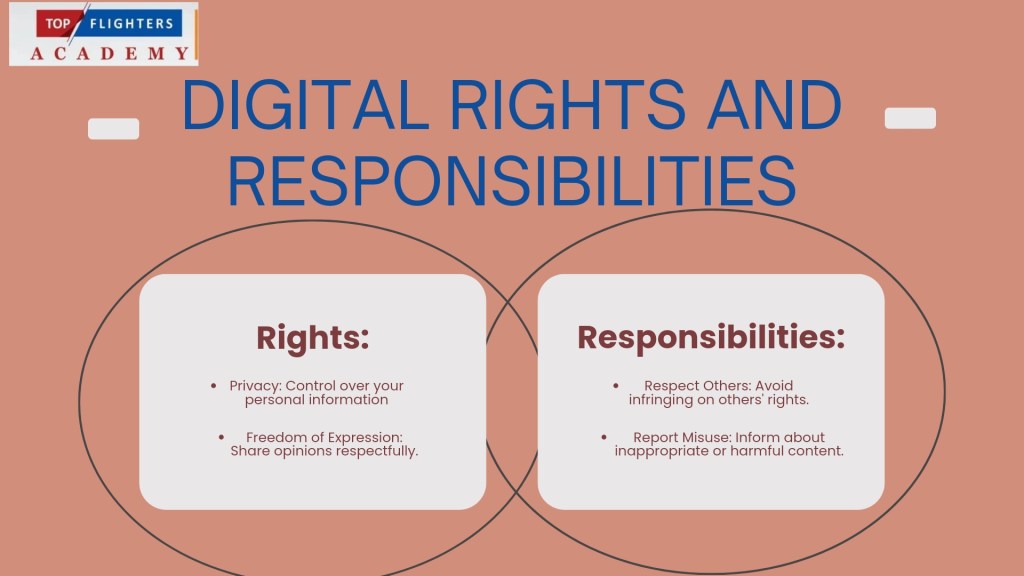
5. Digital Rights and Responsibilities: As digital citizens, we have certain rights, such as the right to privacy, freedom of speech, and access to information. However, with these rights come responsibilities. For instance, while you may have the right to express your opinions online, it’s essential to do so without spreading misinformation or hate speech. Balancing rights and responsibilities ensures that the digital space remains inclusive and safe for all.
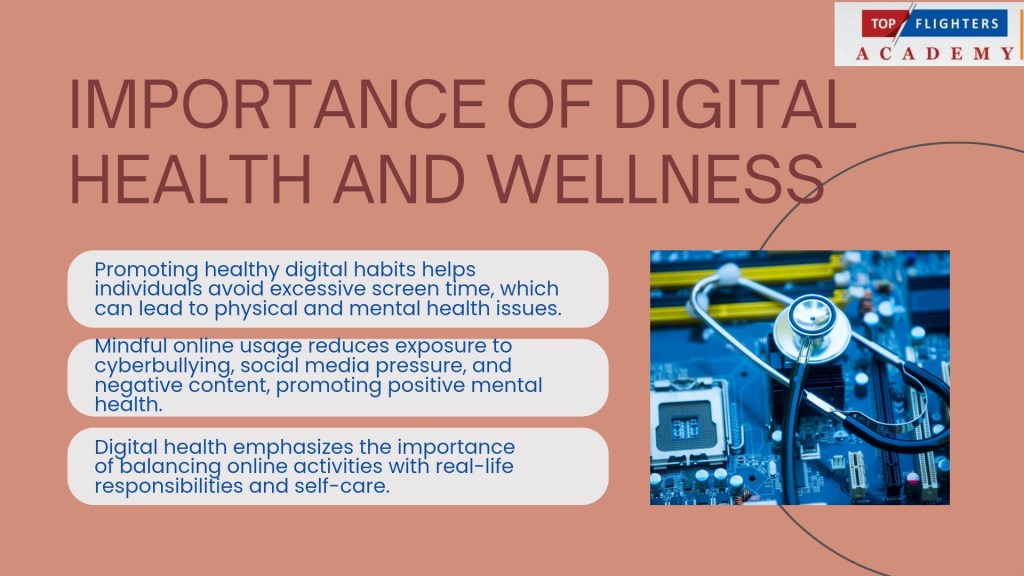
6. Digital Health and Wellness: Constant connectivity can have detrimental effects on mental and physical health. Digital citizens must learn to balance their online activities with their real-world lives. This might mean setting boundaries for social media use, taking regular breaks from screens, and promoting positive mental health by engaging in meaningful online interactions. Encouraging self-awareness and mindful internet usage can help mitigate the negative impacts of digital overconsumption.
Why Responsible and Respectful Digital Citizenship Matters
In the digital age, our online presence is an extension of ourselves. The way we interact with others online reflects who we are in real life. When we navigate the digital world responsibly and respectfully, we not only protect ourselves but also contribute to a more positive, inclusive, and safe online community. Responsible digital citizens use technology to uplift, educate, and inspire others rather than to harm or deceive. They recognize that their actions have real-world consequences and that respect, empathy, and understanding should guide their online behaviours.
Tips for Practicing Good Digital Citizenship
Think before you post: Once something is shared online, it’s difficult to take it back. Consider the potential impact of your words and images before sharing.
Respect others’ privacy: Just because something is online doesn’t mean it’s yours to share. Always respect the privacy and confidentiality of others.
Be mindful of your digital footprint: Everything you do online leaves a trail. Be conscious of the information you share and how it might be used by others.
Engage constructively: Avoid engaging in negative or harmful behaviour such as cyberbullying, trolling, or spreading false information. Instead, use digital platforms to contribute positively to conversations.
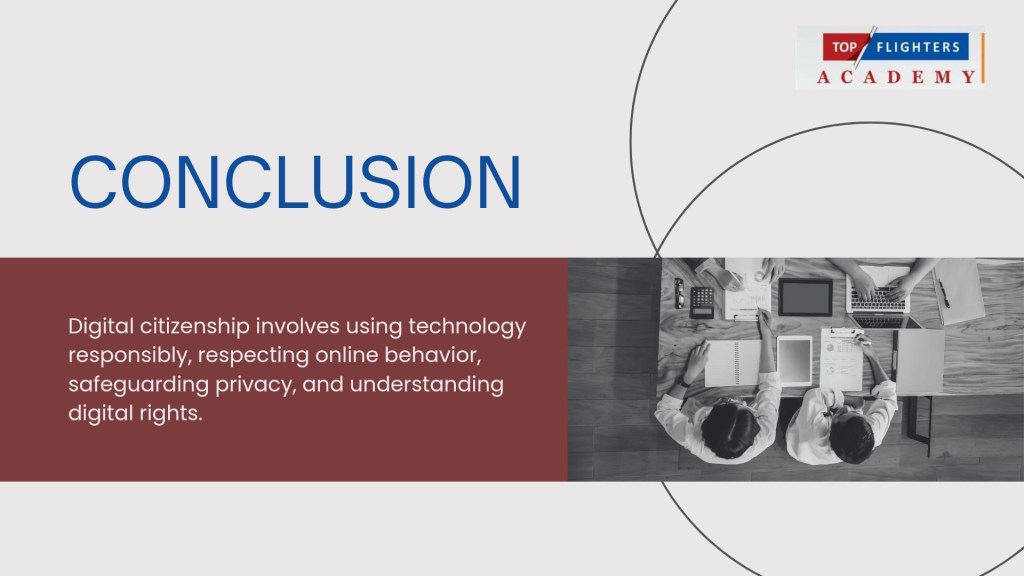
Conclusion: Being a responsible and respectful digital citizen isn’t just about following rules; it’s about contributing to the online world in a way that promotes safety, positivity, and inclusivity. By embracing the principles of digital citizenship, we can all play a part in creating a better, more respectful digital world for everyone. Let’s commit to navigating the digital world with care—respecting others, protecting ourselves, and leaving behind a positive footprint. After all, being a good digital citizen isn’t just an option; it’s a responsibility we all share.
Are you still in doubt on the relevance of Digital Citizenship in the classroom especially amongst the younger generations, I have curated a Wakelet Collection that has over 20 items/links that will provide you with the necessary information and resources on how you can help your students and children cultivate the right state of mind as regards Digital Citizenship.
Happy Digital Citizenship Week!
Thank you for reading! For speaking engagements on Digital Citizenship Education, kindly reach out to us at topflighter01@gmail.com
Funke Akpan
Founder, Topflighters Academy