Digital Citizenship: Navigating the Digital World Responsibly and Respectfully

In today’s fast-paced, tech-driven world, the concept of digital citizenship has never been more crucial. Whether we’re using social media, researching for school or work, or connecting with others across the globe, our online actions have real-world implications. So, how can we ensure we navigate this digital space both responsibly and respectfully?

What is Digital Citizenship?

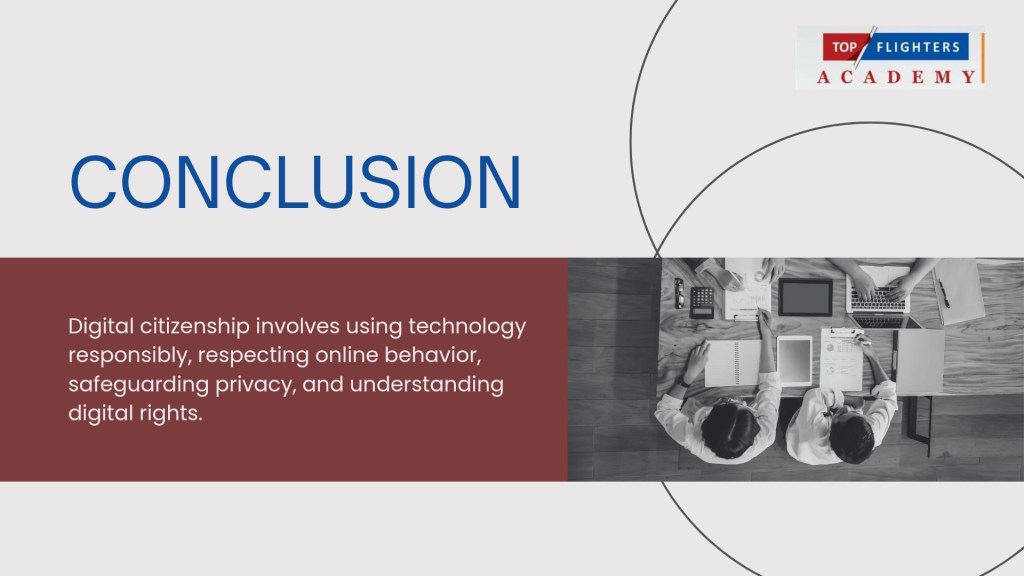
At its core, digital citizenship refers to the responsible use of technology by anyone who engages with digital devices, the internet, and other virtual platforms. It’s not just about knowing how to use a computer or a smartphone but understanding how to participate in the digital world ethically and productively. This includes respecting others’ privacy, avoiding cyberbullying, protecting personal data, and being mindful of the legal and moral consequences of one’s actions online.
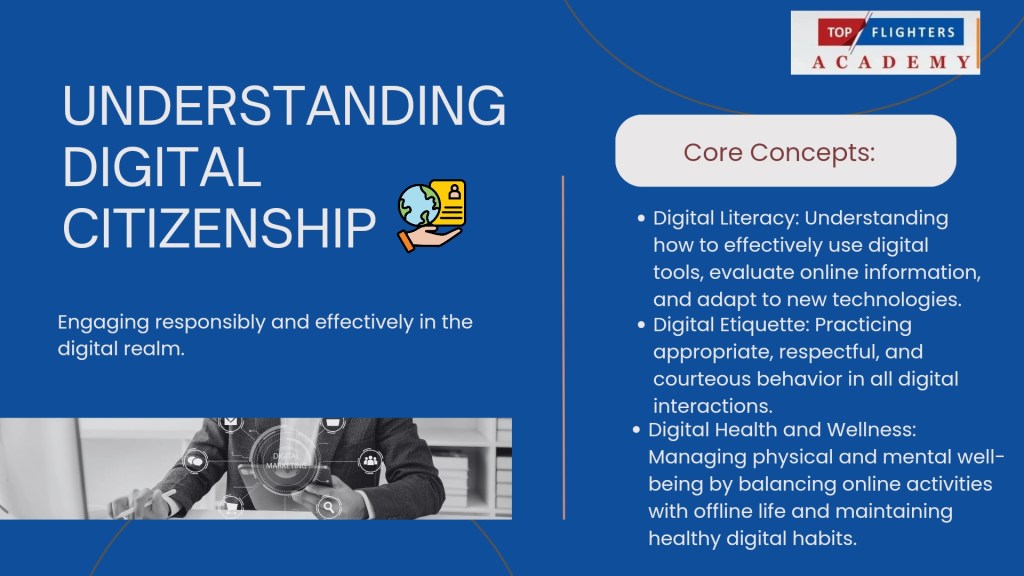
Key Pillars of Digital Citizenship
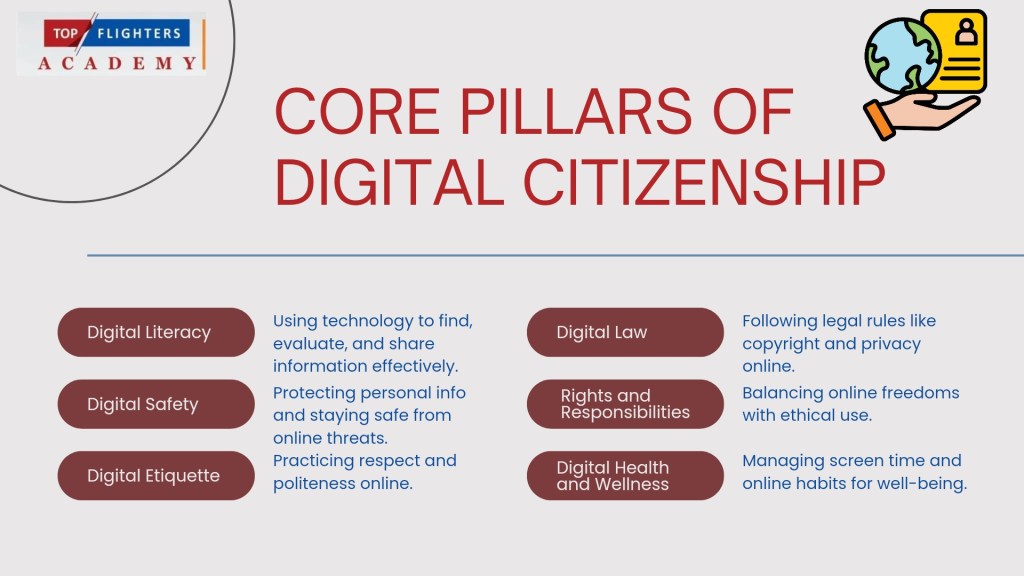
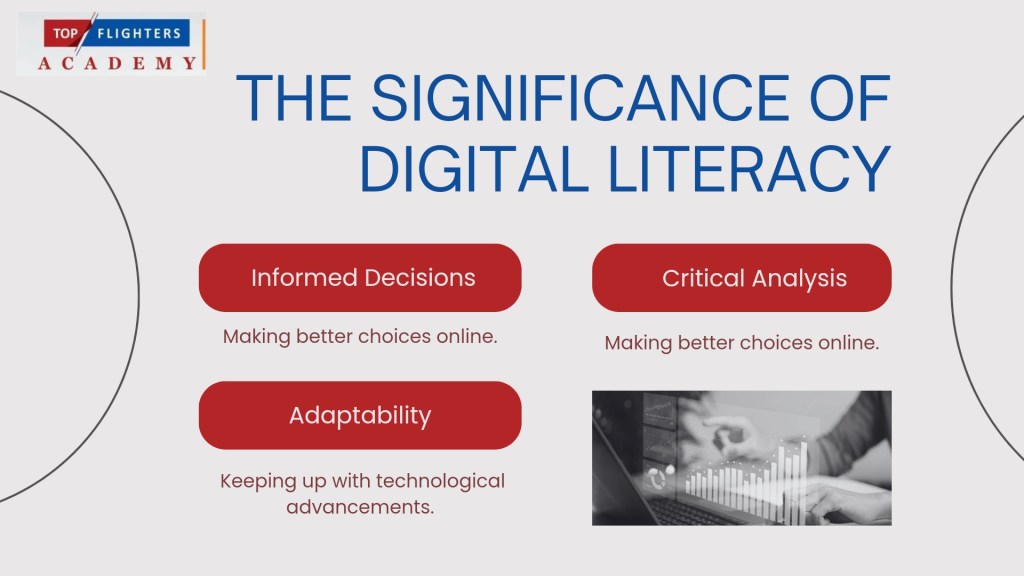
1. Digital Literacy: Digital literacy is the foundation of digital citizenship. This means having the ability to effectively find, evaluate, and communicate information using technology. As a digital citizen, it’s essential to be able to discern credible sources from unreliable ones, understand how algorithms shape what we see online, and stay up-to-date with digital trends.
2. Digital Etiquette: Just as there are societal rules that govern how we interact in person, there are also expectations for how we should behave online. This is known as digital etiquette. It’s about treating others with respect, avoiding inflammatory language, and practicing kindness. It’s especially important in an age where online anonymity can sometimes bring out the worst in people. Being polite and considerate online helps foster a more positive and productive digital environment.

3. Digital Safety and Security: While the internet has made information more accessible, it has also made it easier for hackers, scammers, and cybercriminals to exploit others. Digital citizens must take precautions to safeguard their personal information. This includes using strong passwords, being wary of phishing scams, and regularly updating software to protect against malware. Staying informed about digital threats and practicing good online habits ensures that your digital footprint is secure.

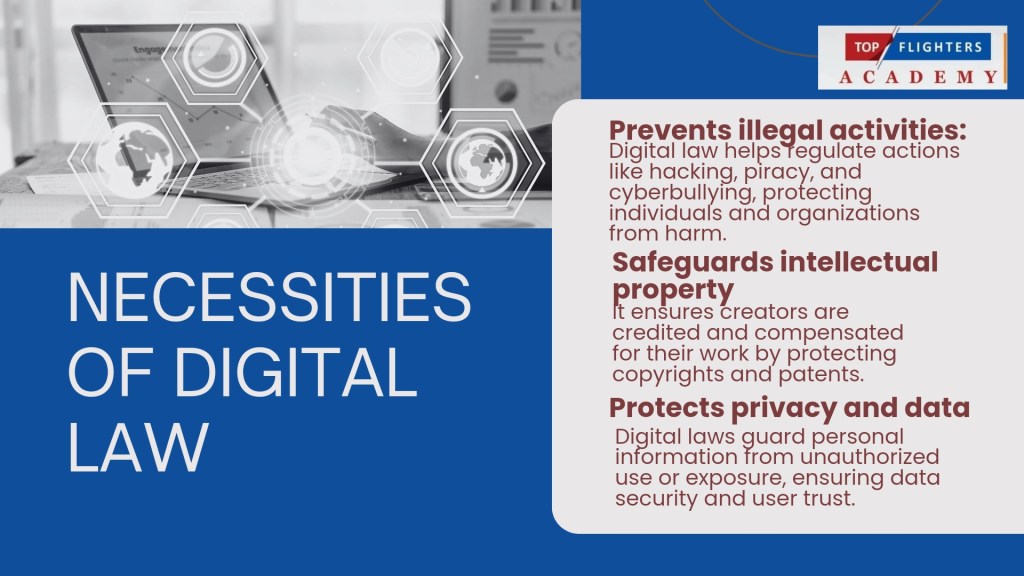
4. Digital Law: Many people are unaware that their online actions can have legal consequences. Sharing copyrighted material without permission, engaging in cyberbullying, or hacking into systems can lead to severe penalties. Understanding digital laws—such as copyright, fair use, and privacy rights—helps individuals navigate the online world while staying on the right side of the law.
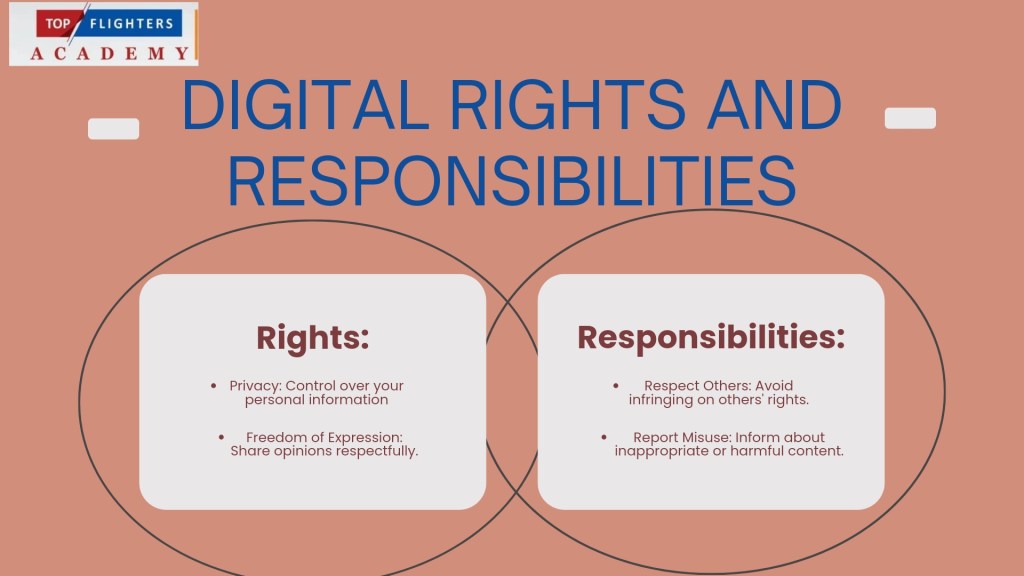
5. Digital Rights and Responsibilities: As digital citizens, we have certain rights, such as the right to privacy, freedom of speech, and access to information. However, with these rights come responsibilities. For instance, while you may have the right to express your opinions online, it’s essential to do so without spreading misinformation or hate speech. Balancing rights and responsibilities ensures that the digital space remains inclusive and safe for all.
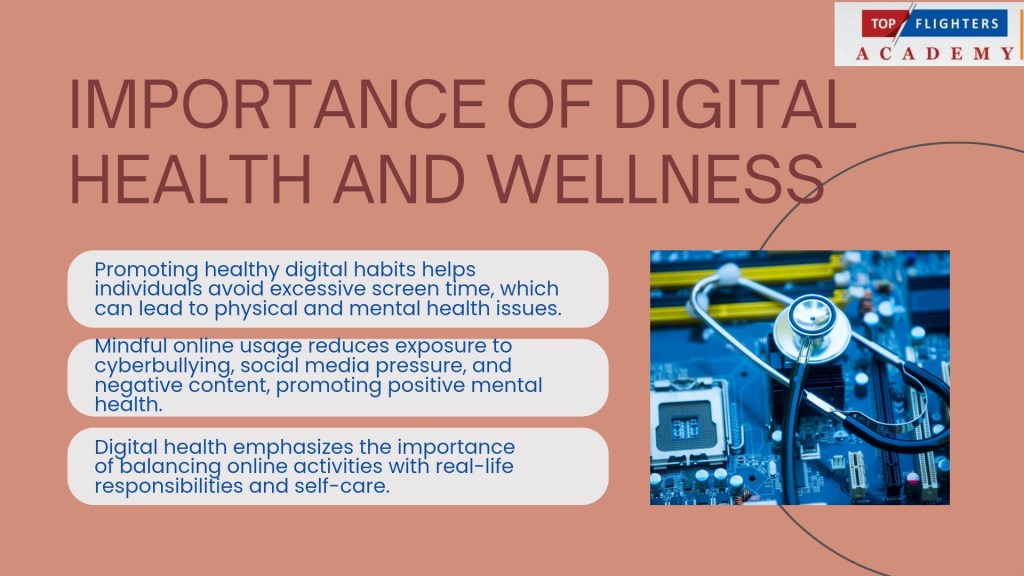
6. Digital Health and Wellness: Constant connectivity can have detrimental effects on mental and physical health. Digital citizens must learn to balance their online activities with their real-world lives. This might mean setting boundaries for social media use, taking regular breaks from screens, and promoting positive mental health by engaging in meaningful online interactions. Encouraging self-awareness and mindful internet usage can help mitigate the negative impacts of digital overconsumption.
Why Responsible and Respectful Digital Citizenship Matters

In the digital age, our online presence is an extension of ourselves. The way we interact with others online reflects who we are in real life. When we navigate the digital world responsibly and respectfully, we not only protect ourselves but also contribute to a more positive, inclusive, and safe online community. Responsible digital citizens use technology to uplift, educate, and inspire others rather than to harm or deceive. They recognize that their actions have real-world consequences and that respect, empathy, and understanding should guide their online behaviours.

Tips for Practicing Good Digital Citizenship

Think before you post: Once something is shared online, it’s difficult to take it back. Consider the potential impact of your words and images before sharing.

Respect others’ privacy: Just because something is online doesn’t mean it’s yours to share. Always respect the privacy and confidentiality of others.

Be mindful of your digital footprint: Everything you do online leaves a trail. Be conscious of the information you share and how it might be used by others.

Engage constructively: Avoid engaging in negative or harmful behaviour such as cyberbullying, trolling, or spreading false information. Instead, use digital platforms to contribute positively to conversations.

Conclusion: Being a responsible and respectful digital citizen isn’t just about following rules; it’s about contributing to the online world in a way that promotes safety, positivity, and inclusivity. By embracing the principles of digital citizenship, we can all play a part in creating a better, more respectful digital world for everyone. Let’s commit to navigating the digital world with care—respecting others, protecting ourselves, and leaving behind a positive footprint. After all, being a good digital citizen isn’t just an option; it’s a responsibility we all share.
Are you still in doubt on the relevance of Digital Citizenship in the classroom especially amongst the younger generations, I have curated a Wakelet Collection that has over 20 items/links that will provide you with the necessary information and resources on how you can help your students and children cultivate the right state of mind as regards Digital Citizenship.

Happy Digital Citizenship Week!

Thank you for reading! For speaking engagements on Digital Citizenship Education, kindly reach out to us at topflighter01@gmail.com

Funke Akpan

Founder, Topflighters Academy

Online Safety Begins with a Strong Password

In the digital world, your password is like the key to your house — it protects your most valuable treasures: your personal data, finances, and identity. Just as you wouldn’t leave your home unlocked, you shouldn’t leave your online accounts vulnerable either.

A strong password is your first line of defense. Imagine a thief trying to break into a vault. The stronger the lock (your password), the safer your information is. But what happens if you don’t secure that lock?

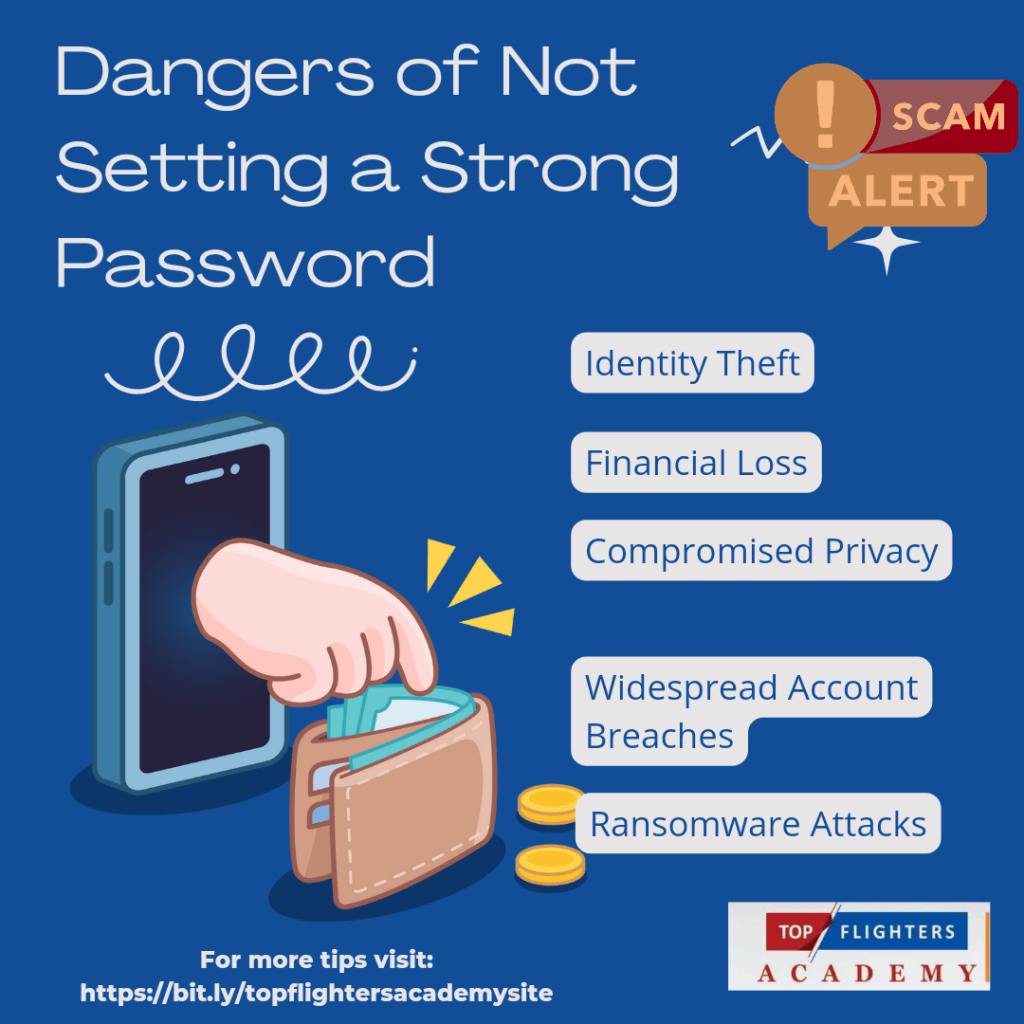
🚨 Dangers of Not Setting a Strong Password

Identity Theft: Hackers can impersonate you, accessing personal information to steal your identity.

Financial Loss: Weak passwords make it easy for cybercriminals to access your bank accounts, leading to fraud or drained funds.

Compromised Privacy: Personal photos, conversations, and sensitive files can fall into the wrong hands.

Widespread Account Breaches: Using the same weak password across platforms could allow a hacker to breach multiple accounts at once.

Ransomware Attacks: Hackers could lock you out of your own data and demand payment to restore access.

6 Tips for Creating and Protecting Your Passwords

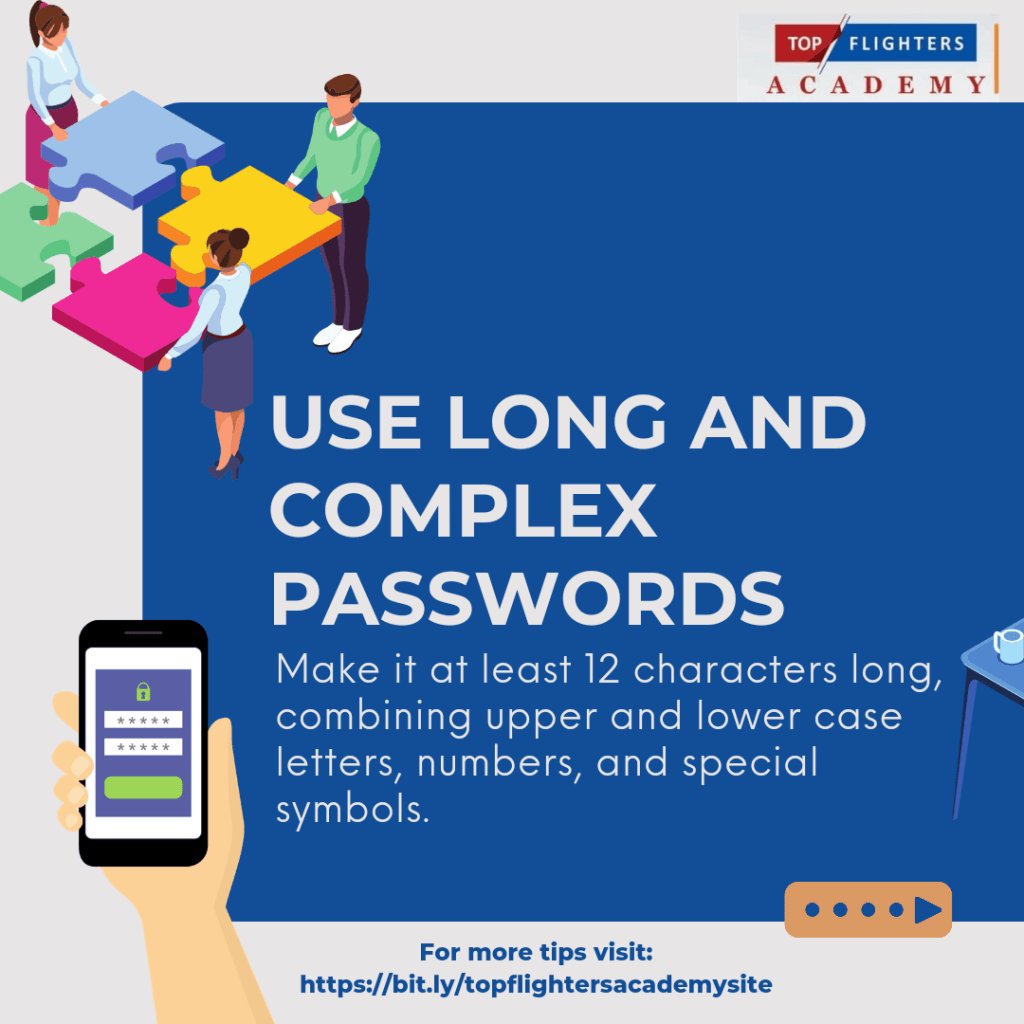
1. Use Long and Complex Passwords Make it at least 12 characters long, combining upper and lower case letters, numbers, and special symbols.

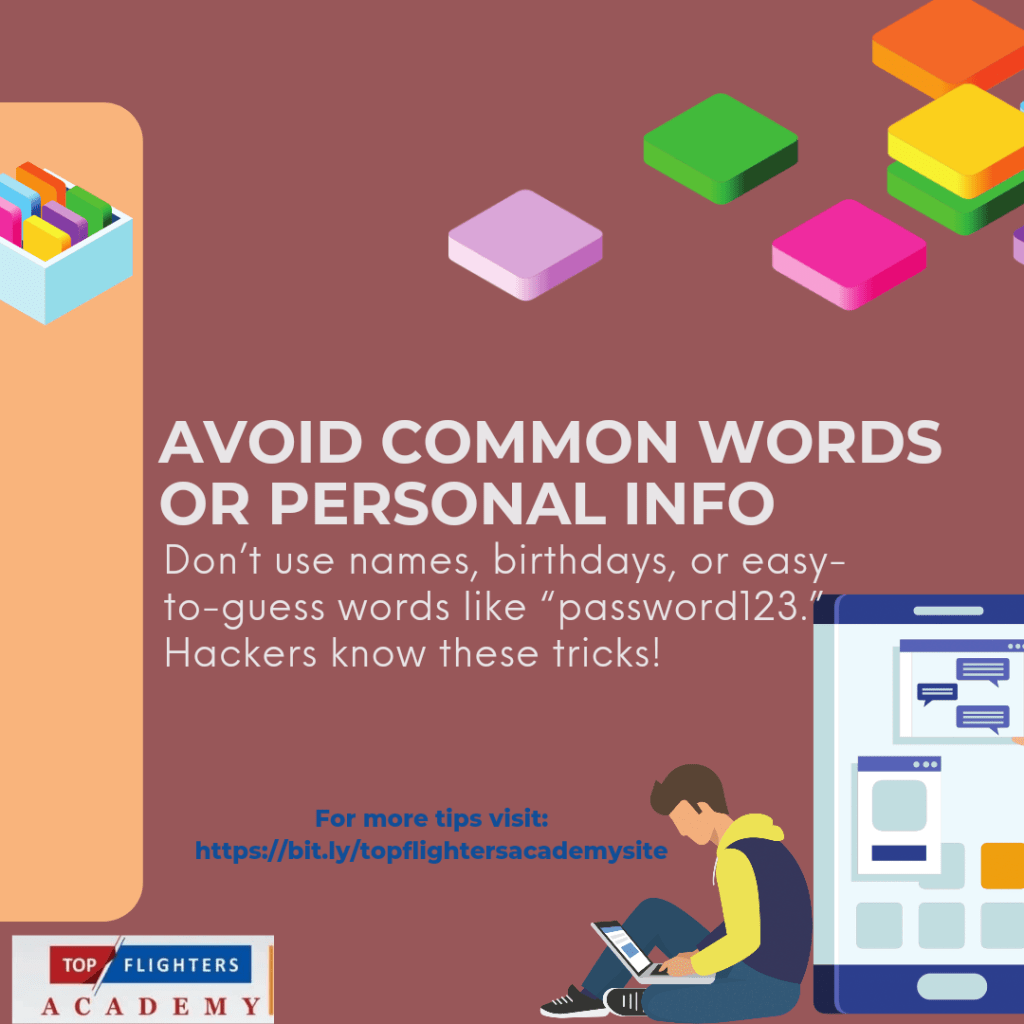
2. Avoid Common Words or Personal Info Don’t use names, birthdays, or easy-to-guess words like “password123.” Hackers know these tricks!

3. Create Unique Passwords for Each Account Reusing the same password across multiple platforms is like using the same key for all your locks — one breach can compromise everything.

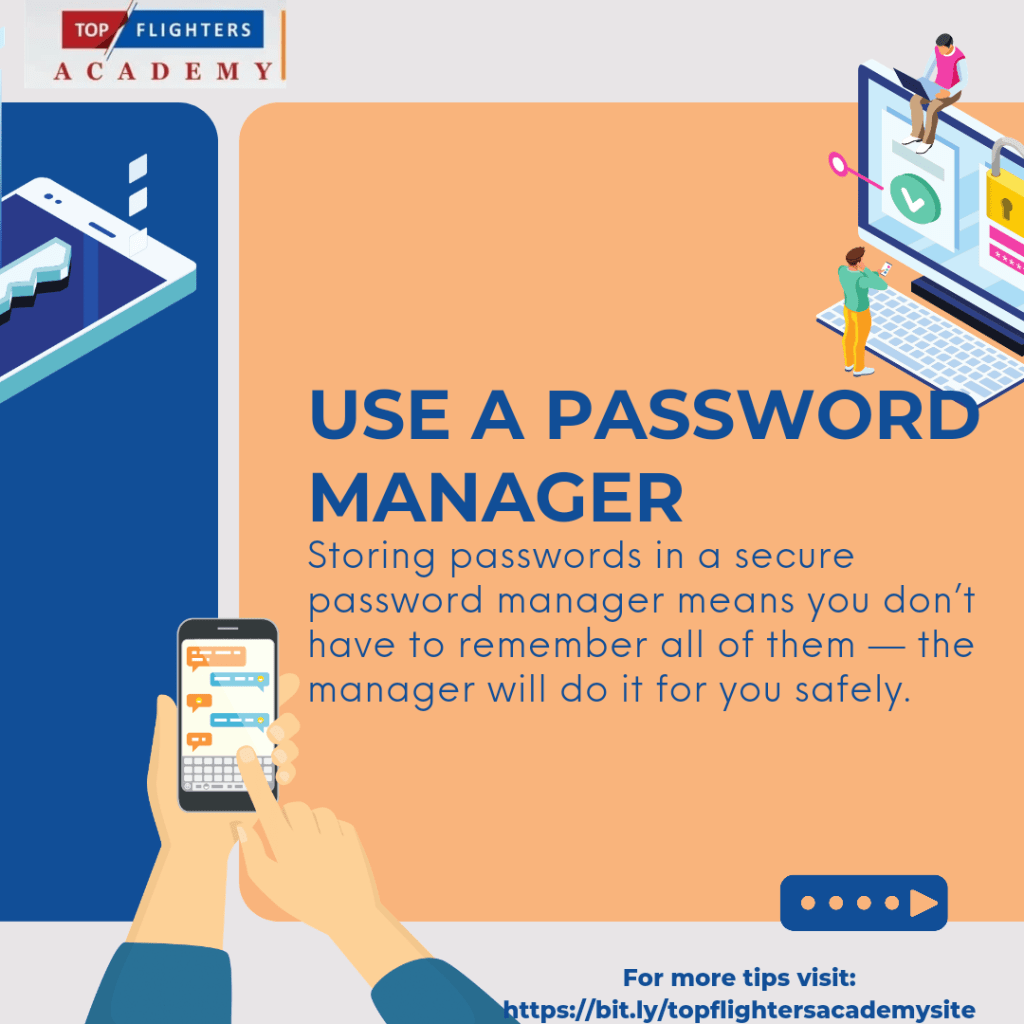
4. Use a Password Manager

Storing passwords in a secure password manager means you don’t have to remember all of them — the manager will do it for you safely.

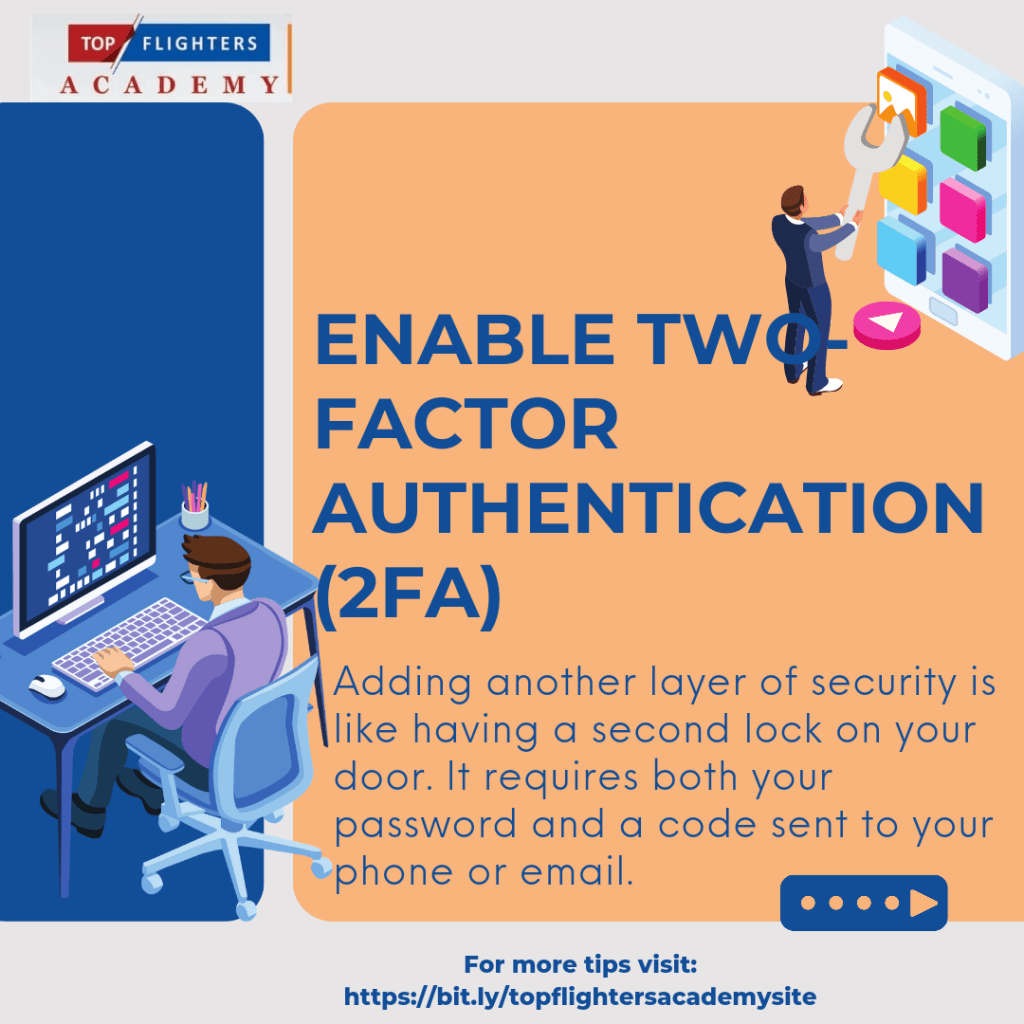
5. Enable Two-Factor Authentication (2FA): Adding another layer of security is like having a second lock on your door. It requires both your password and a code sent to your phone or email.

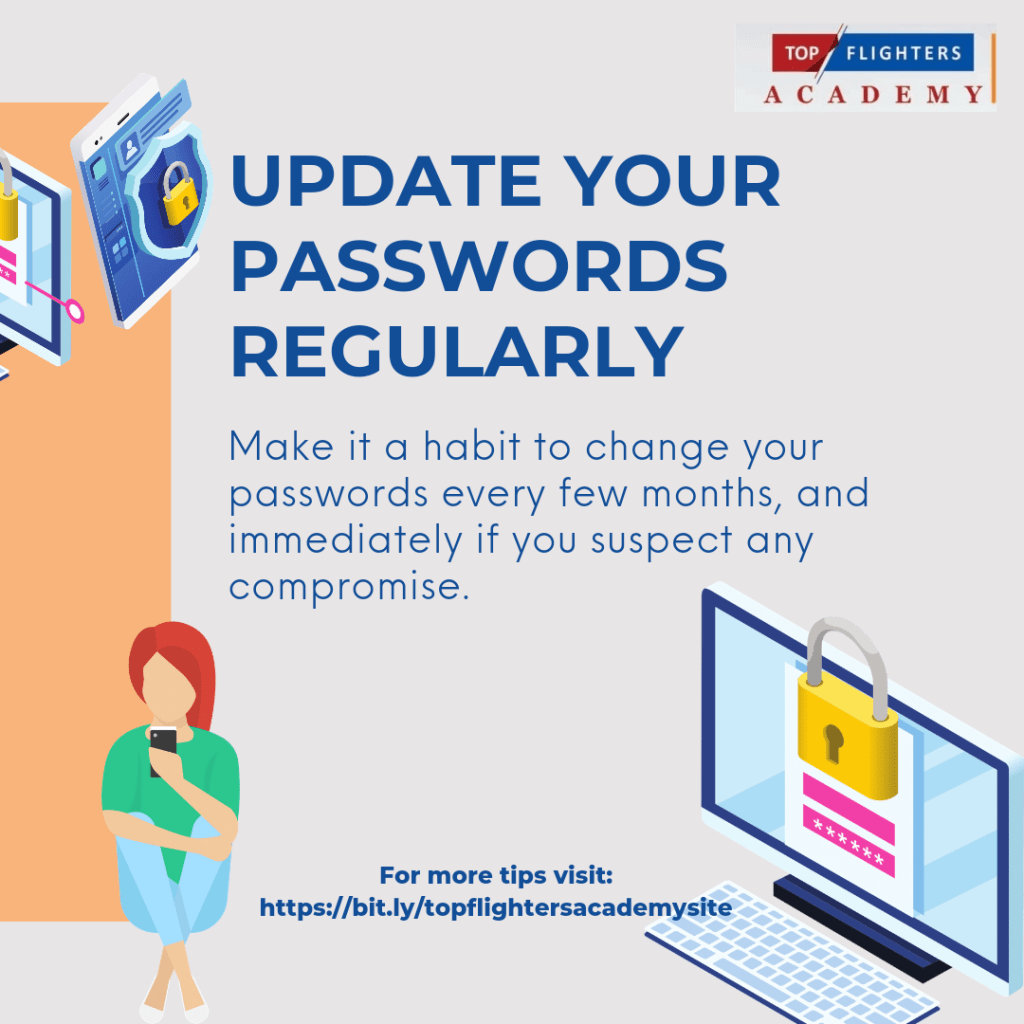
6. Update Your Passwords Regularly: Make it a habit to change your passwords every few months, and immediately if you suspect any compromise.Stay safe, stay smart, and protect what matters most in the digital world!

Thank you for reading , we hope you found it informative! Watch out for another post here tomorrow as we celebrate Digital Citizenship Week!

Contact us here for speaking engagements on Digital Citizenship Education:

topflighter01@gmail.com,+2348186504445

Don’t forget to follow us on all Social Media Handles @TopflightersAcademy

#DigitalCitizenship #OnlineSafety #PasswordProtection #StaySafeOnline #DigitalSecurity #CyberSecurity #OperationMaketheInternetSafe #DigitalCitizens #TopflightersAcademy #EduPlus #TeacherFunke #digitalsafety #DigitalCitizenshipWeek

DAY #14 VR/AR CLASSROOM EXPERIENCE

SUBJECT: Future Trends in VR/AR Education

Welcome to Day #14 (the last day for this episode)! I believe that your journey to “VR-ing” has been a fantastic one! Let’s dive in to what we have for today: Future Trends in VR/AR Education.

It is no longer news to you that Virtual Reality (VR) and Augmented Reality (AR) are two technologies that have the potential to revolutionize education by providing immersive, interactive, and engaging experiences for students. VR is a technology that creates a simulated environment that the user can explore and interact with, while AR is a technology that overlays digital information or objects onto the real world. Both technologies can be used to create simulations, games, and other interactive content that can help students learn complex concepts in a more intuitive and engaging way.

Current Applications of VR/AR in Education

VR/AR technologies have already been applied in various educational settings and domains, such as:

STEM education: VR/AR can be used to create simulations and visualizations of scientific phenomena, such as the solar system, the human body, or chemical reactions. These simulations can help students understand abstract concepts and principles in a more concrete and experiential way. For example, the Google Expeditions app allows teachers and students to explore virtual field trips to various places and topics, such as the Great Barrier Reef, the International Space Station, or the Ancient Rome.

Language learning: VR/AR can be used to create immersive and authentic scenarios for language learning, such as conversing with native speakers, visiting foreign countries, or experiencing different cultures. These scenarios can help students practice their language skills and enhance their cultural awareness. For example, the Mondly app uses VR and speech recognition to create realistic conversations with virtual characters in different languages and situations.

History and arts education: VR/AR can be used to create virtual museums and galleries that showcase historical artifacts, artworks, and cultural heritage. These virtual museums and galleries can help students appreciate and learn about the history and arts of different civilizations and periods. For example, the Google Arts & Culture app allows users to explore thousands of artworks and cultural sites from around the world in VR and AR.

Special education: VR/AR can be used to create adaptive and personalized learning environments for students with special needs, such as autism, dyslexia, or visual impairment. These learning environments can help students overcome their learning challenges and enhance their cognitive and social skills. For example, the Brain Power app uses AR and artificial intelligence to help children with autism learn social and emotional skills through gamified interactions with virtual characters.

## Future Trends and Implications of VR/AR in Education

As VR/AR technologies become more advanced, accessible, and affordable, they are expected to have a greater impact on education in the future. Some of the possible trends and implications are:

More immersive and realistic experiences: VR/AR technologies will continue to improve in terms of graphics, sound, haptics, and interactivity, creating more immersive and realistic experiences for users. These experiences will enable students to learn by doing, rather than by reading or listening, and to feel more emotionally connected to the content and the context. For example, students could experience the effects of climate change, the horrors of war, or the joys of art in a more visceral and empathetic way.

More collaborative and social learning: VR/AR technologies will enable more collaborative and social learning among students and teachers, both locally and globally. Students and teachers will be able to communicate, cooperate, and co-create in virtual and augmented spaces, regardless of their physical location or time zone. These spaces will also allow students and teachers to interact with experts, mentors, and peers from different backgrounds and disciplines, expanding their perspectives and networks. For example, students could work on a group project with students from another country, or receive feedback from a renowned scientist or artist.

More personalized and adaptive learning: VR/AR technologies will enable more personalized and adaptive learning for students, based on their preferences, abilities, and progress. Students will be able to choose their own learning goals, paths, and pace, and receive immediate and tailored feedback and guidance from the system or the teacher. The system will also be able to monitor and analyze the students’ performance, behavior, and emotions, and adjust the content and the difficulty accordingly. For example, students could learn at their own level and speed, or receive extra support or challenge when needed.

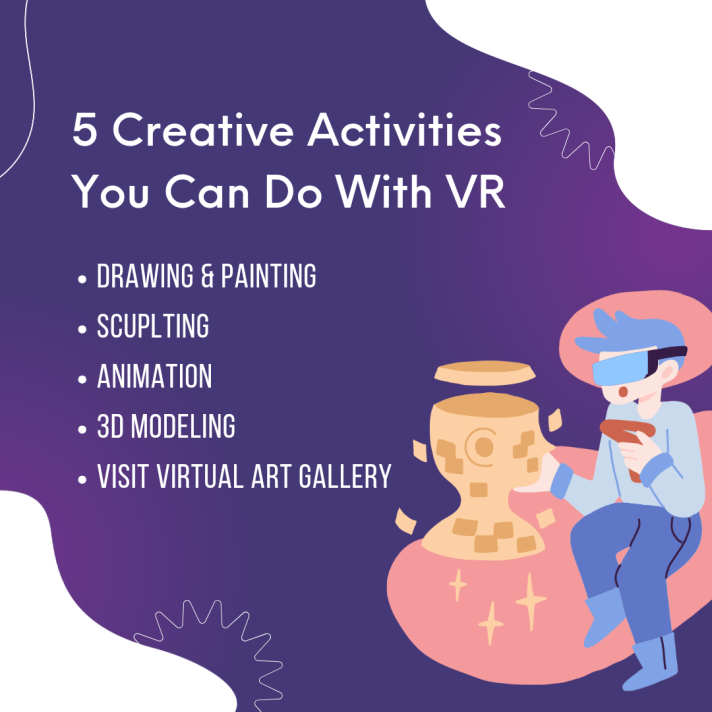
More creative and innovative learning: VR/AR technologies will enable more creative and innovative learning for students, by providing them with tools and platforms to express their ideas, imagination, and talents. Students will be able to create their own VR/AR content, such as games, stories, or artworks, and share them with others. They will also be able to explore and experiment with different possibilities and scenarios, and discover new insights and solutions. For example, students could design their own virtual worlds, or solve real-world problems using VR/AR.

Conclusion

VR/AR technologies have the potential to transform the way we teach and learn by providing immersive, interactive, and engaging experiences for students. These technologies can be used to create simulations, games, and other interactive content that can help students learn complex concepts in a more intuitive and engaging way. The future of VR/AR in education will likely involve more immersive and realistic experiences, more collaborative and social learning, more personalized and adaptive learning, and more creative and innovative learning. However, there are also some challenges and limitations that need to be addressed, such as the cost, accessibility, quality, and ethics of VR/AR technologies and content. Therefore, it is important to balance the benefits and risks of VR/AR in education, and to ensure that these technologies are used in a responsible and effective way.

I hope you found today’s blog post educating and helpful! If you have any questions, comments, or feedback, please feel free to leave them below. And if you have tried any of the above tools or methods, please share your experiences and otcomes with us. kindly subscribe to my newsletter and blog in order to hva firsthand notification when trends in education are posted.

Thank you for reading and happy VR-ing!

Teacher Funke Akpan

Technology Integration Expert

Founder, Topflighters Academy
DAY #13 VR/AR CLASSROOM EXPERIENCE

SUBJECT: Case Studies and Success Stories of VR/AR Implementation

In the dynamic landscape of education, the integration of cutting-edge technologies has become pivotal in shaping the future of learning. Among these innovations, Virtual Reality (VR) and Augmented Reality (AR) stand out as transformative tools that have the power to revolutionize traditional teaching methods. Today, we delve into the success stories of schools and educators who have harnessed the potential of VR and AR to elevate the educational experience for their students.

Successful VR Implementation

Unveiling the Virtual Classroom Revolution

In the realm of Virtual Reality, educators are stepping into uncharted territories to create immersive and engaging learning environments. Virtual Reality has transcended the boundaries of conventional teaching, allowing students to explore the depths of the ocean, travel back in time, or even dissect a virtual cadaver.

VR is a technology that creates immersive and interactive simulations of different environments and scenarios. It can be used to enhance learning experiences in various subjects, such as science, history, art, and more. Here are some real-world examples of schools or educators effectively using VR in the classroom:

Southern New Hampshire University (SNHU) piloted VR in an undergraduate psychology course to help students understand the structure and function of the brain. They used a custom VR experience called Synapse VR, which allowed students to explore the brain from different perspectives and manipulate its parts. The VR experience also included quizzes and feedback to reinforce learning. The pilot study found that VR increased student engagement, confidence, and retention of the material.

ClassVR is a platform that provides a library of VR content and curriculum-aligned activities for schools. It covers topics such as geography, history, science, and more. Teachers can also create their own VR lessons using 360-degree images and videos. ClassVR has been used by over 40,000 classrooms worldwide, and has received positive feedback from teachers and students. Some of the benefits reported include increased motivation, creativity, collaboration, and empathy.

Media and Learning Association conducted a visual case study of VR in education, where they collected images and videos of VR learning activities from different schools and universities. They found that VR can be used to create engaging and memorable experiences that enhance understanding and curiosity. Some of the examples they showcased include VR tours of historical sites, VR simulations of natural phenomena, and VR art exhibitions.

Successful AR Implementation

Inspiring Stories of Augmented Learning Adventures

Augmented Reality has proven to be a game-changer in education, seamlessly blending the digital and physical worlds to create an enriched learning experience. From language arts to science experiments, AR has found its way into classrooms, adding a layer of interactivity that captivates students’ imaginations. In this section, we will shine a spotlight on inspiring stories of AR integration, where educators have harnessed the power of augmented reality to create dynamic and impactful lessons that resonate with students and enhance their overall learning journey.

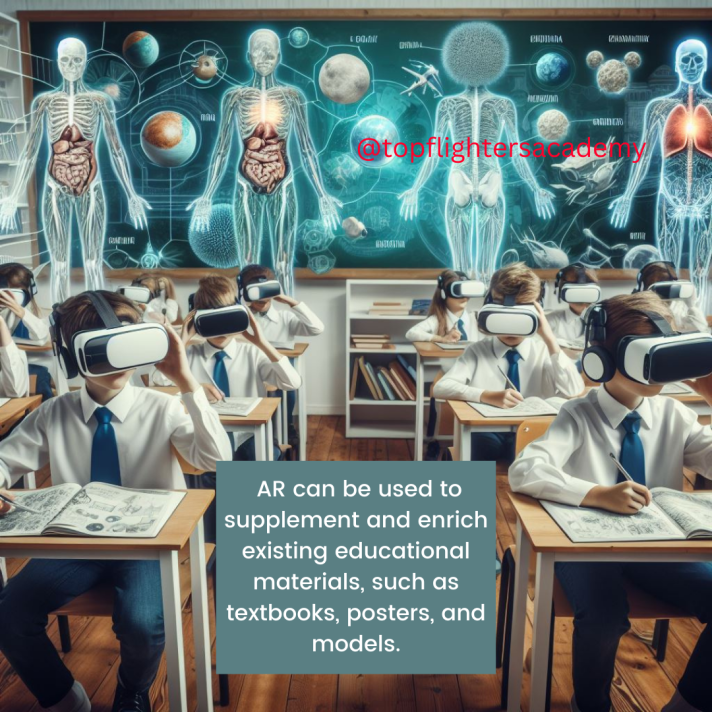
AR is a technology that overlays digital information and elements onto the real world, creating an enhanced and interactive experience. It can be used to supplement and enrich existing educational materials, such as textbooks, posters, and models. Here are some inspiring stories of AR integration that have positively impacted student learning:

ArborXR is a platform that provides AR content and tools for education. It enables teachers to create and share AR lessons that can be accessed by students using smartphones or tablets. ArborXR covers subjects such as math, science, art, and more. It also offers analytics and feedback to monitor student progress and performance. Some of the benefits of using ArborXR include accessible and mobile learning, higher student engagement and interest, improved collaboration and communication, and faster and more effective learning.

Eastern Peak is a company that develops custom AR solutions for education and training. They have worked with various clients to create AR apps that enhance learning outcomes and experiences. Some of their projects include AR apps for language learning, anatomy education, chemistry experiments, and museum tours. They have also created AR apps for professional training, such as medical procedures, engineering tasks, and safety protocols.

Maryville University is an institution that uses AR to create interactive classrooms and learning environments. They use AR to provide students with multisensory and immersive experiences that complement traditional teaching methods. Some of the examples of AR in education at Maryville University include AR books and posters that come to life, AR models and diagrams that can be manipulated and explored, and AR games and puzzles that challenge and stimulate students.

RESOURCES

(1) Case Studies – ClassVR. https://www.classvr.com/case-studies/.

(2) Making VR a Reality in the Classroom | EDUCAUSE Review. https://er.educause.edu/articles/2021/4/making-vr-a-reality-in-the-classroom.

(3) How VR Changes Learning: A Visual Case Study. https://media-and-learning.eu/type/featured-articles/vr-in-education-2021-a-visual-case-study/.

(4) Augmented Reality in Education: Examples, Benefits, & Use Cases. https://arborxr.com/blog/augmented-reality-in-education-examples-benefits-use-cases/.

(5) Augmented Reality in Education: The Hottest EdTech Trend – Eastern Peak. https://easternpeak.com/blog/augmented-reality-in-education/.

(6) Augmented Reality in Education: Interactive Classrooms. https://online.maryville.edu/blog/augmented-reality-in-education/.

I hope you found today’s blog post educating and helpful! If you have any questions, comments, or feedback, please feel free to leave them below. And if you have tried any of the above tools or methods, please share your experiences and otcomes with us. I’m

Thank you for reading and happy VR-ing!

Teacher Funke Akpan

Technology Integration Expert

DAY #12 VR/AR CLASSROOM EXPERIENCE

Day 12: Evaluating VR/AR Learning Outcomes

Dear educators, welcome to Day 12 of our immersive journey into the world of Virtual Reality (VR) and Augmented Reality (AR) in education. Today, we stand at the intersection of innovation and assessment, exploring the crucial realm of evaluating student learning within the dynamic landscapes of VR and AR.

As we’ve navigated through the diverse applications of VR/AR across subjects, one fundamental question emerges: How do we measure the impact and effectiveness of these immersive experiences on our students? Day 12 is dedicated to unraveling the intricacies of assessing student learning and progress in the immersive realms of VR/AR.

THE EFFECTIVENESS OF VR/AR IN ACHIEVING LEARNING OUTCOMES

The effectiveness of VR/AR in achieving learning outcome depends on various factors, such as the design, implementation, and evaluation of the VR/AR applications, the nature of the learning content and objectives, and the individual differences and preferences of the learners. According to some of the web search results, VR/AR can have positive impacts on learning outcomes by:

Creating immersive and interactive environments that enhance engagement, motivation, retention, and problem-solving skills

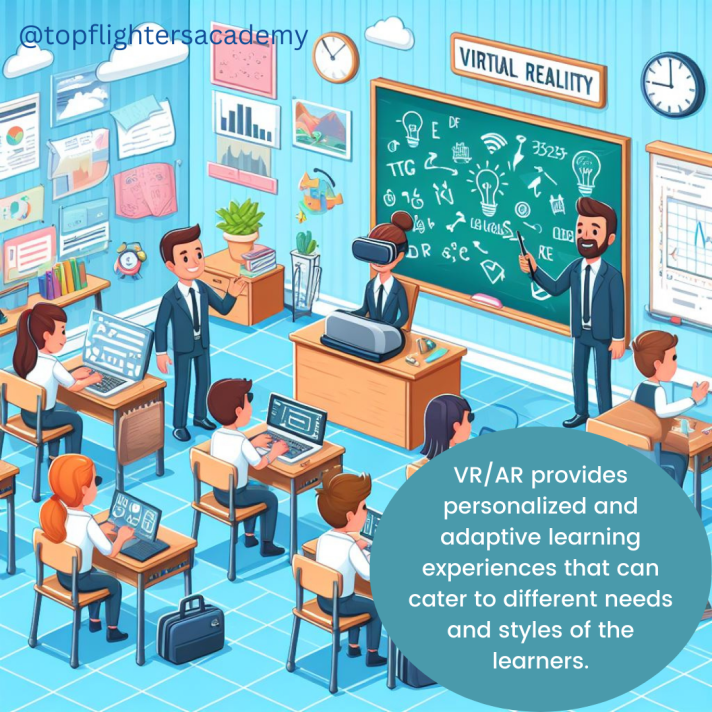
Providing personalized and adaptive learning experiences that cater to different needs and styles of the learners.

Facilitating collaborative learning by connecting students across locations and fostering communication and exposure toiverse perspectives.

Offering realistic scenarios and simulations that are difficult or impossible to replicate in the physical world.

However, VR/AR also have some limitations and drawbacks, such as:

The cost, accessibility, and technical issues of the VR/AR devices and software.

The ethical and social concerns of using VR/AR, such as privacy, security, and digital divide.

The potential negative effects of VR/AR on the physical and mental health of the users, such as motion sickness, eye strain, and addiction.

Therefore, the effectiveness of VR/AR in achieving learning outcome is not a simple or straightforward question, but rather a complex and multifaceted one that requires further research and exploration.

METHODS OF ASSESSING LEARNING OTCOMES IN VR/AR

There are different methods and frameworks for assessing students learning and progress in VR/AR environment. Some of the common ones are:

Game-based assessment framework (GBAF): This is a method that uses game elements and tasks to measure and evaluate learning outcomes in immersive technologies. It is based on the principles of Constructive Alignment and the Evidence-Centred Design (ECD) framework. It describes the steps and components that must be aligned for the design of assessments in VR/AR.

Evidence-centered design (ECD): This is a framework that guides the development of assessments that are aligned with the learning objectives, the learning environment, and the evidence of learning. It consists of five layers: domain analysis, domain modeling, conceptual assessment framework, assessment implementation, and assessment delivery.

Immersive assessment data: This is a type of data that captures the actions, behaviors, and interactions of the learners in the VR/AR environment. It can provide rich and comprehensive information about the learners’ performance, engagement, and experience. It can be analyzed and reported using various methods, such as analytics, dashboards, and feedback.

There are many tools and platforms for creating VR/AR assessments, depending on your needs, skills, and budget. Some of the popular ones are:

Adobe Aero: This is a software that allows you to create AR experiences using assets designed in other apps, such as Photoshop or Illustrator. You can also use pre-made assets from Adobe Stock or import 3D models from other sources. You can design and preview your AR projects on your mobile device, and share them with others via links or QR codes. Adobe Aero is free to use, but you need an Adobe account and a compatible device .

Tvori: This is a software that enables you to create VR animations and interactive stories using a VR headset and controllers. You can use a variety of tools and objects to build your scenes, add sounds and effects, and record your actions and voice. You can also import 3D models and images from other sources, and export your projects to various formats. Tvori is available for Windows and supports Oculus Rift, HTC Vive, and Valve Index headsets. It costs $19.99 per month or $199.99 per year.

CoSpacesEdu: It is adaptable to any age or subject, CoSpaces Edu lets kids build their own 3D creations, animate them with code and explore them in magical ways, including Virtual and Augmented Reality.

Working with CoSpaces Edu develops digital literacy and 21st Century learning skills such as collaboration and coding, which prepare kids for their future while empowering them to become creators.

Masterpiece Studio Pro: This is a software that helps you create 3D models and animations for VR/AR applications. You can use a VR headset and controllers to sculpt, paint, rig, and pose your models, or use a desktop interface to refine your work. You can also use AI-powered tools to generate realistic characters, animals, and environments. You can export your models to various formats and platforms, such as Unity, Unreal Engine, Sketchfab, and more. Masterpiece Studio Pro is available for Windows and supports Oculus Rift, HTC Vive, and Valve Index headsets. It costs $29.99 per month or $299.99 per year.

Vuforia Engine: This is a software that allows you to develop AR applications for various devices and platforms, such as iOS, Android, Windows, and web browsers. You can use features such as image recognition, object tracking, spatial mapping, and occlusion to create immersive and interactive AR experiences. You can also use tools such as Unity, Unreal Engine, or Visual Studio to integrate Vuforia Engine into your projects. Vuforia Engine is free for personal use, but you need to pay for commercial licenses and cloud services.

Unity 3D: This is a software that enables you to create VR/AR games and applications for various devices and platforms, such as Oculus, SteamVR, Windows Mixed Reality, iOS, Android, and web browsers. You can use a powerful editor and scripting system to design and program your projects, or use assets and templates from the Unity Asset Store or other sources. You can also use plugins and extensions to add features and functionalities, such as Vuforia Engine, Google VR SDK, AR Foundation, and more. Unity 3D is free for personal use, but you need to pay for professional licenses and services.

I hope you found today’s blog post educating and helpful! If you have any questions, comments, or feedback, please feel free to leave them below. And if you have tried any of the above tools or methods, please share your experiences and outcomes with us.

Thank you for reading and happy VR-ing!

Teacher Funke Akpan

Technology Integration Expert

DAY #11 VR/AR CLASSROOM EXPERIENCE

SUBJECT: How to Use VR to Enhance Learning and Engagement in Your Classroom

Dear educators,

Have you ever wondered what it would be like to explore the human brain, visit ancient civilizations, or travel to outer space? With virtual reality (VR), you can do all that and more in your classroom. VR is a technology that creates immersive and interactive 3D environments that simulate real or imagined scenarios. VR can offer a variety of benefits for learning and teaching, such as increasing motivation, engagement, retention, and creativity. However, VR can also pose some challenges, such as technical issues, cost, accessibility, and ethical implications. In today’s post, I will show you how to use VR in your classroom in a feasible and effective way. You will learn about some of the best tools and resources for creating and experiencing VR, as well as some tips and best practices for integrating VR into your curriculum and pedagogy.

One of the easiest and cheapest ways to create your own VR experiences is to use a smartphone and an app called Panorama 360. This app allows you to capture 360-degree photos and videos of your surroundings, which you can then view in VR mode using a cardboard headset or a smartphone based headset (as discussed in one of the previous episodes). You can also upload your panoramas to the app’s gallery, where you can explore other users’ VR creations from around the world. To use Panorama 360 in your classroom, you can follow these steps:

– Download the app from the Google Play Store or the App Store and install it on your smartphone.

– Launch the app and tap on the camera icon to start capturing your panorama. You can choose between photo or video mode, and adjust the settings according to your preference.

– Hold your smartphone horizontally and move it slowly in a circular motion to capture your surroundings. The app will guide you with a blue dot and a green circle to help you align your shots. You can also pause and resume your capture at any time.

– When you are done, tap on the check mark to save your panorama. You can then preview it, edit it, or share it with others. You can also add a title, a description, and a location to your panorama.

– To view your panorama in VR mode, tap on the VR icon and insert your smartphone into a cardboard headset. You can then look around and enjoy your VR experience.

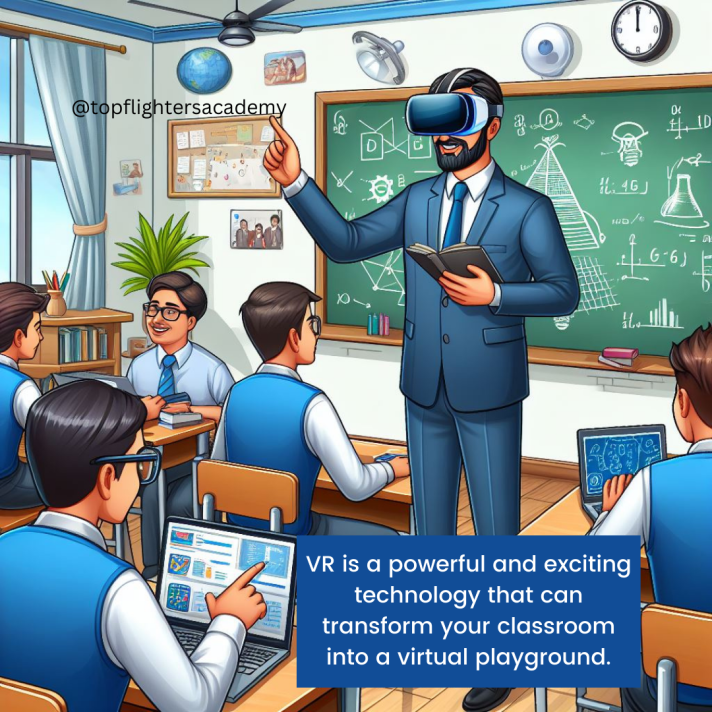
VR is a powerful and exciting technology that can transform your classroom into a virtual playground. By using VR, you can provide your students with immersive and engaging learning experiences that can enhance their understanding and enjoyment of various topics and subjects. However, VR also requires careful planning and preparation to ensure its feasibility and effectiveness. In this blog post, I have shared with you some of the best tools and resources for creating and experiencing VR, as well as some tips and best practices for integrating VR into your curriculum and pedagogy. I hope you have found this blog post helpful and informative. If you have any questions, comments, or feedback, please feel free to leave them below. And if you have tried VR in your classroom, please share your experiences and outcomes with us. Thank you for reading and happy VR-ing! 😊

To your best interest,

Funke Akpan

Technology Integration Expert

Founder, Topflighters Academy

DAY #5 VR/AR CLASSROOM EXPERIENCE

SUBJECT: Exploring Virtual Reality Hardware Components


Day 7: Exploring Virtual Reality Hardware Components

Welcome to Day 7 of our journey into the immersive world of Virtual Reality (VR)! Today, we’ll take a closer look at the essential hardware components that make up the backbone of any VR experience. These components work seamlessly together to transport users into captivating virtual environments, creating an unparalleled sense of presence and engagement.

VR Headsets:
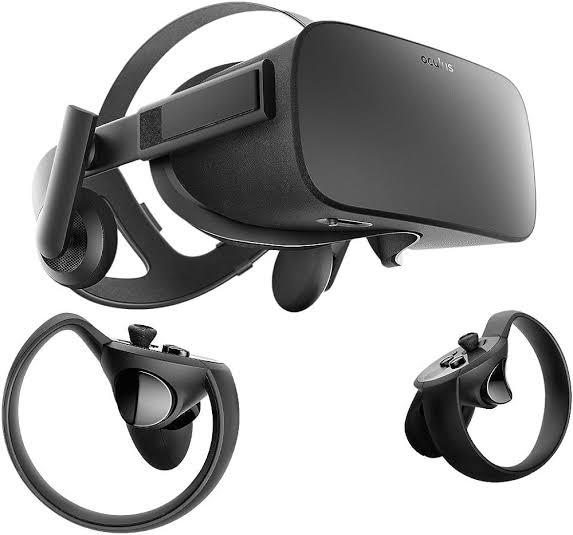
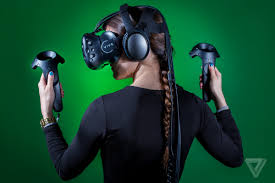
At the heart of the VR experience is the VR headset, a device that users wear over their eyes to immerse themselves in virtual worlds. Examples of popular VR headsets include the Oculus Rift, HTC Vive, and PlayStation VR. These devices employ high-resolution displays, motion sensors, and often integrated headphones to deliver a visually stunning and immersive experience.

Controllers:
Enhancing interaction within virtual environments, controllers are handheld devices that allow users to manipulate and navigate the VR space. Examples include the Oculus Touch controllers and the HTC Vive controllers, which feature motion tracking and haptic feedback to simulate the sense of touch in the virtual realm.

Sensors and Tracking Systems:
To precisely track user movements and gestures, VR systems utilize external sensors or built-in cameras. For instance, the Oculus Rift relies on external sensors that detect the position of the headset and controllers in a defined space, while inside-out tracking systems, like those found in the Oculus Quest, use cameras embedded in the headset to monitor the surroundings.

Computing Devices:
Powering the immersive experiences in VR requires robust computing devices. VR-ready computers or gaming consoles are equipped with high-performance graphics cards and processors. Devices like the Oculus Link allow standalone headsets to connect to a computer, leveraging its processing power for more graphically demanding content.

Accessories:
Various accessories enhance the VR experience. Charging stations keep untethered devices powered up, protective cases safeguard hardware, and additional peripherals, such as VR gloves or haptic vests, can add layers of sensory feedback to create a more immersive encounter.

SPECIFIC EXAMPLES OF VIRTUAL REALITY HARDWARE

A. SMARTPHONE-BASED VR HEADSET

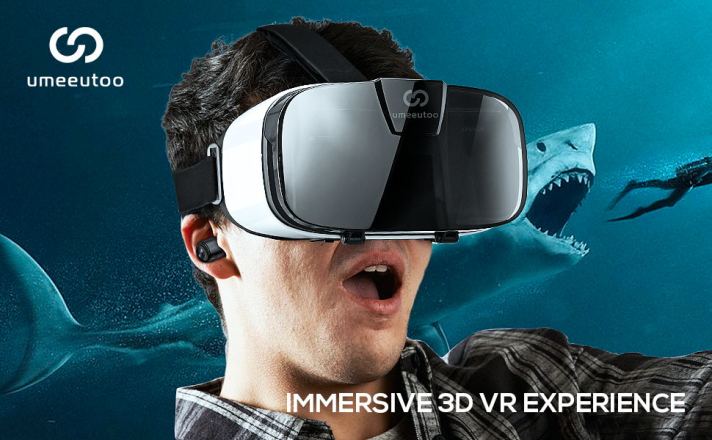
BRAND: UMEEUTOO

(As seen on AMAZON)

PICTORIAL DESCRIPTION

Features & details

FITS ALMOST EVERY PHONE:3D VR headsets are compatible with smartphones with a 4.5″ x 6.3” screen such as for iPhone models X, XR, XS, 8, 8 plus, 9, 9 plus, 11, 11 pro, 12 mini, 12 pro, SE, etcalso compatible with Samsung Android Galaxy Note 20, S20, OnePlus, Box VR, Google Pixel, etc

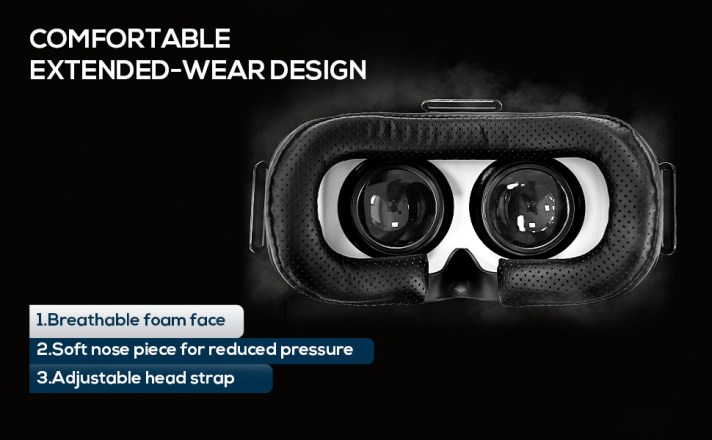
COMFORTABLE, EXTENDED WEAR DESIGN:we offer a comfort-fit experience with a fully adjustable head strap T-shaped headband will fit most head sizes (both adults and children),eyesight protection system,and reduce pressure around the face by adjusting the buckles on both sides.

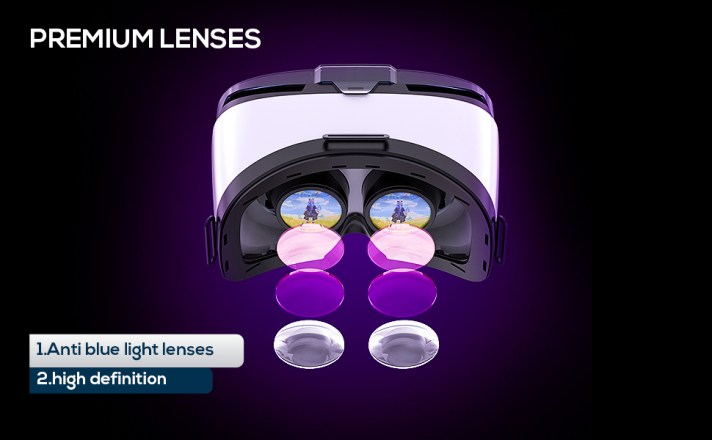
EYE-protected HD lenses:VR glasses headset using anti-reflective and Anti-blue light coating lenses to prevent eyestrain when using the headset. Also, sharp HD images are achieved by the aspheric and anti-distortion lens surface.

IMMERSIVE 3D EXPERIENCE: Taking into VR games/movies/videos.phone VR goggles 360-degree panoramic view bringing more shocking visual experience and immersive visual impa-ct.

PERFECT GIFT FOR KIDS & ADULTS: those virtual reality glasses premium VR headsets are the perfect present and gift idea for kids and adult’s birthdays, Easter, Father’s Day, Halloween, Thanksgiving, and ChristmasChristmas

Amount: $30 (Amazon)

TETHERED VIRTUAL REALITY HEADSET

BRAND:

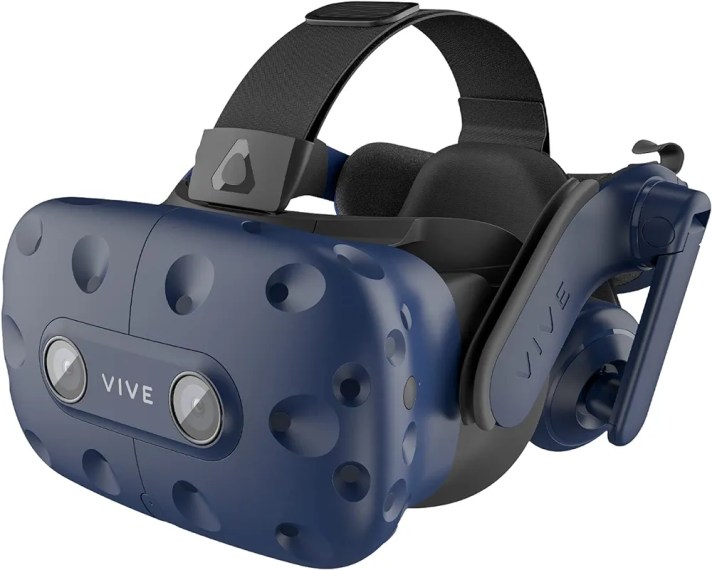
HTC Vive Pro Virtual Reality Full System

Description

Built to meet the needs of today’s most demanding VR users, VIVE Pro is an easy-to-deploy VR system that scales with your business and provides the richest feature set for professional users. From seated environments to expansive, multi-user deployments, VIVE Pro delivers the highest fidelity, clearest audio and most immersive VR experience. HTC has your back with after-sales support as well. Because you are purchasing this authentic HTC VIVE product from an authorized retailer, your VIVE Pro 2 comes with a 12-month limited warranty.

Features & details

STEAM VR 2.0 TRACKING – From seated to standing to full 22’11”’ x 22’11” room-scale. Ideal for multi-user environments for sub-millimeter tracking accuracy

HIGH RESOLUTION DISPLAY – Dual-OLED displays with industry leading resolution of 2880 x 1600 pixels for unparalleled visual fidelity of graphics, text, and textures

SPATIAL AUDIO WITH NOISE CANCELLATION – Hi-res, high impedance headphones, 3D spatial sound with active noise cancellation for an immersive experience without distractions from real-world sounds

MULTI-USER AND EXTENDED USE – Even weight distribution of the headset, easy on and off, and adjustments for head size, glasses and interpupillary distance (IPD) makes multi-user and extended use easier than ever

VIVE TRACKER ECOSYSTEM – Expand business use cases by adding real-life objects to VIVE Tracker bringing the object into your virtual simulation. Ideal for motion capture, automotive, aerospace or heavy equipment simulation.

VIVEPORT INFINITY – Get 2 months of unlimited VR play of 700+ games & apps. 

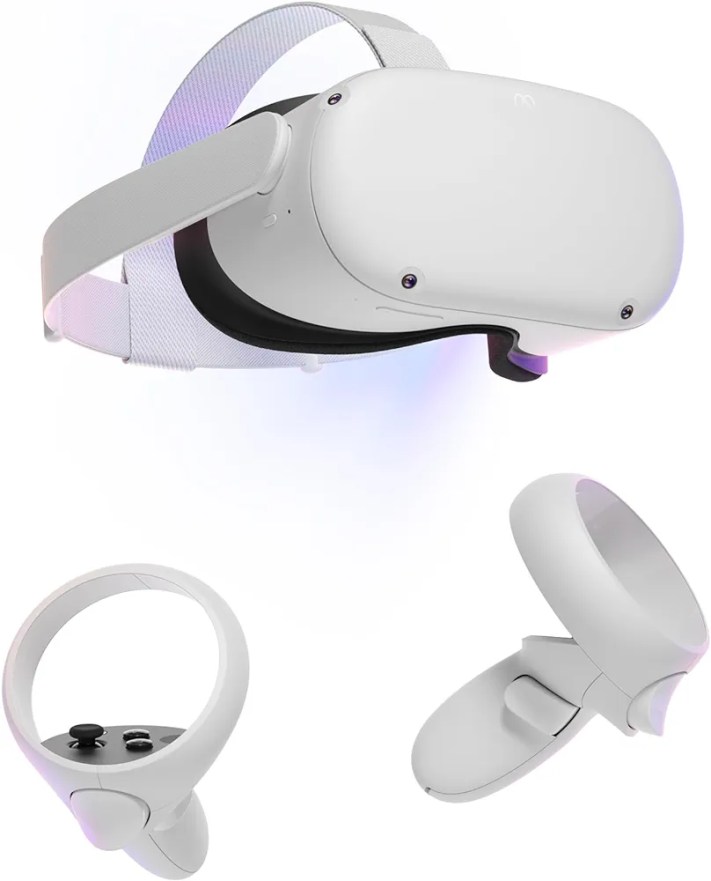
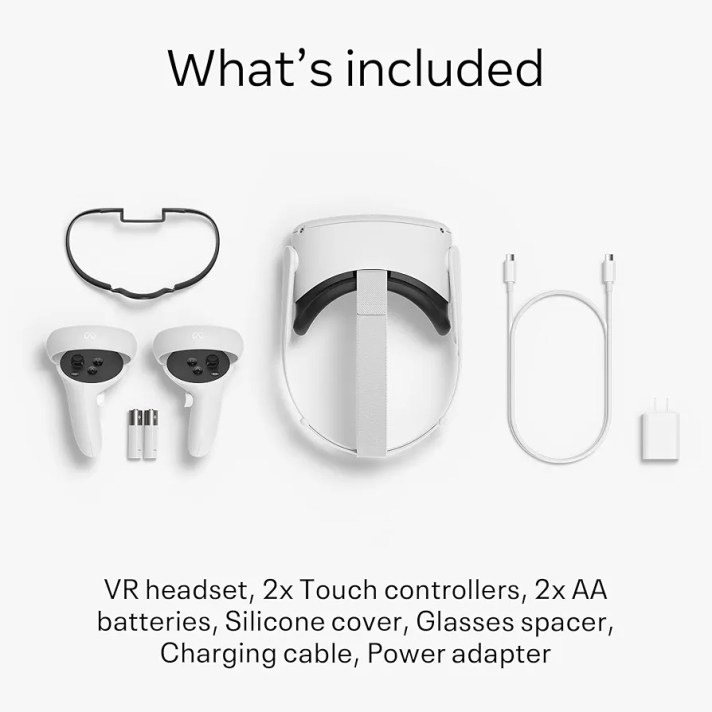
BRAND: Meta Quest 2 — Advanced All-In-One Virtual Reality Headset — 256 GB

Description

*Meta Quest is for ages 13+.

Features & details

Meta Quest is for ages 13+. Certain apps, games and experiences may be suitable for a more mature audience. Keep your experience smooth and seamless, even as high speed action unfolds around you with a super-fast processor and high-resolution display. (Packaging may vary) Meta Quest packaging will continue to carry the Oculus name and logo during the transition to our new branding.

Experience total immersion with 3D positional audio, hand tracking and haptic feedback, working together to make virtual worlds feel real.

Explore an expanding universe of over 250 titles across gaming, fitness, social/multiplayer and entertainment, including exclusive blockbuster releases and totally unique VR experiences.

Travel universes in blockbuster fantasies, scare yourself witless in horror adventures or collaborate with colleagues in innovative workspaces.

Come together in incredible social spaces and multiplayer arenas as you take in live events with friends and family, find your new workout crew or join quests with fellow adventurers.

Be truly free to roam in VR With a wireless headset, intuitive controls, a built-in battery, easy setup and no PC or console needed*

(As seen on Amazon Store)

KIndly join us again tomorrow as we delve deeper into specifics hardware made especially for classroom experience!

To your best interest,

Teacher Funke Akpan

Technology Integration Expert,

Founder, Topflighters Academy
DAY #6 VR/AR CLASSROOM EXPERIENCE

Welcome Dear Educators,

In today’s episode, we are going into details on Hardware Considerations for implementing Virtual Reality (VR) in education.

HARDWARE CONSIDERATIONS FOR VIRTUAL REALITY IN EDUCATION

  1. VR Headsets:
  • Tethered vs. Untethered: Tethered headsets, like the Oculus Rift or HTC Vive, require a connection to a computer, providing high-quality graphics. Untethered headsets, such as the Oculus Quest or standalone devices, offer more mobility but may have slightly lower graphical capabilities.
  • Compatibility: Ensure that the VR headset is compatible with the software and educational content planned for use. Verify the compatibility with platforms like Oculus, SteamVR, or any specific educational software.
  • Comfort and Adjustability: Prioritize comfort and adjustability, as students will likely wear the headsets for extended periods. Look for features like adjustable straps, cushioning, and ergonomic designs to ensure a comfortable experience for users.
  • 2. Controllers:
    • Interaction: Consider the level of interactivity required for educational experiences. Hand controllers provide a more immersive experience and are suitable for activities like virtual experiments or art creation. Simpler controllers or gaze-based interactions may be sufficient for more straightforward content.
    • Ease of Use: Opt for controllers that are intuitive and easy to use, especially for younger students. Simple button layouts and ergonomic designs can enhance the overall usability of the VR system.
    OCULUS QUEST
    • 3. Tracking Systems:
    • Inside-out vs. Outside-in Tracking: Inside-out tracking systems, where sensors are integrated into the headset, offer greater mobility without external sensors. Outside-in tracking relies on external sensors, providing more precise tracking but requiring additional setup.
    • Room Scale vs. Seated Experiences: Determine whether the educational content requires students to move around in a physical space (room-scale) or if seated experiences are sufficient. Room-scale experiences offer more interaction but may require more significant space.
    1. 4. Computing Devices:
    • System Requirements: Check the minimum system requirements for the VR content, and ensure that the computers or laptops in the educational environment meet or exceed those specifications. VR-ready computers with powerful graphics cards are crucial for delivering a smooth experience.
    • Graphics Cards and Processing Power: High-quality graphics cards and ample processing power are essential for rendering detailed VR environments. Consider upgrading existing hardware or investing in new computers that can handle the demands of VR content.
    HTC VIVE
    1. 5. Accessories:
    • Charging Stations: If using untethered VR devices, implement charging stations to ensure that the devices are always ready for use. Consider having extra batteries or charging cables available to minimize downtime.
    • Protective Covers and Cases: To prolong the lifespan of VR hardware, invest in protective covers or cases. This is particularly important in educational settings where devices may be shared among students, increasing the risk of wear and tear.
    1. 6. Safety Considerations:
    • Health and Safety Features: Look for VR systems that prioritize user safety. Adjustable interpupillary distance (IPD) settings accommodate different eye distances, reducing eye strain. Ensure that the hardware complies with safety standards to protect users from potential health issues.
    • Hygiene Solutions: In shared environments, consider hygiene solutions to maintain cleanliness. Removable and cleanable face cushions or disposable covers can help prevent the spread of germs and ensure a more hygienic VR experience.
    1. 7. Budget and Scalability:
    • Total Cost of Ownership (TCO): Consider the overall cost of implementing VR in education. Calculate the total cost of ownership, including hardware, software, accessories, maintenance, and potential future upgrades. Ensure that the chosen solution aligns with the budgetary constraints of the institution.
    • Scalability: Choose a VR solution that aligns with scalability goals. Determine whether the hardware can be easily expanded or replicated as the VR program grows, and factor in costs associated with scaling up.
    1. 8. Technical Support and Warranty:
    • Vendor Support: Opt for hardware from reputable vendors that offer reliable technical support. Check if the vendor provides regular updates, troubleshooting resources, and a responsive customer support system.
    • Warranty: Verify the warranty options provided with the VR hardware. A comprehensive warranty can be crucial in educational settings where devices are subject to heavy usage. Consider extended warranty options for added peace of mind.

    By addressing these considerations, educational institutions can make informed decisions when selecting VR hardware, ensuring a successful integration of immersive technology into the learning environment. A thoughtful approach to hardware choices contributes to a positive and effective VR learning experience for students and educators alike.

    We shall go into more details tomorrow by looking at specific VR headsets and the features. Stay tuned!

    Teacher Funke Akpan

    Technology Integration Expert,

    Topflighters Academy

    DAY #5 VR/AR CLASSROOM EXPERIENCE

    Augmented Reality in Education: Transforming Learning Across Subjects

    Welcome to Day #5 Educators

    I trust that you’ve already acquired valuable insights into the VR/AR classroom experience. Now, let’s delve deeper into the diverse applications of Augmented Reality (AR) across various subjects in the classroom and explore how it enriches the learning experience.

    In recent years, technological advancements have revolutionized the way we approach education. One such innovation that holds tremendous potential is Augmented Reality (AR). By seamlessly blending the physical and digital worlds, AR opens up exciting possibilities for enhancing learning experiences across various subjects. In this blog post, we’ll explore how Augmented Reality can positively impact education in subjects ranging from mathematics to environmental science.

    1. Mathematics: Visualizing Abstract Concepts

    Augmented Reality brings abstract mathematical concepts to life, making them more tangible for students. Through interactive visualizations, students can manipulate geometric shapes, explore complex equations, and gain a deeper understanding of mathematical relationships. This immersive approach fosters engagement and helps students develop a more intuitive grasp of mathematical principles.

    2. English Language: Enhancing Language Proficiency

    In the realm of language education, Augmented Reality provides a dynamic tool for enhancing language proficiency. Interactive language exercises, pronunciation guides, and contextual examples create an immersive language learning experience. AR fosters a more engaging environment for students to practice and improve their language skills.

    3. Arts: Sparking Creativity and Expression

    In the arts, Augmented Reality takes creativity to new heights. By merging the virtual with the physical, AR enables students to animate their artwork, explore new dimensions, and experiment with creative concepts. This technology enriches artistic expression, making the learning process more interactive and enjoyable.

    Brief Exploration of the Human Heart in Augmented Reality

    4. Sciences: Immersive Exploration of Concepts

    Augmented Reality transforms science education by offering immersive explorations of various concepts. Students can delve into 3D models of cells, explore chemical reactions, and witness virtual dissections. This hands-on, interactive approach fosters a deeper understanding of scientific principles and encourages curiosity.

    5. Social Studies and History: Bringing the Past to Life

    In the realm of social studies and history, Augmented Reality acts as a time machine, bringing historical events to life. Students can virtually explore ancient civilizations, witness key moments in history, and engage with historical artifacts. This immersive experience enhances historical understanding and makes the past more accessible and captivating.

    6. Geography: Real-world Exploration

    Geography education benefits from Augmented Reality by providing real-world exploration opportunities. Students can virtually travel to different locations, examine geographical features, and gain a deeper understanding of global interconnectedness. AR transforms geography lessons into dynamic and memorable experiences.

    7. Physical Education: Fusing Fitness with Technology

    Augmented Reality transforms physical education by fusing fitness with technology. Fitness routines and exercises can be visualized in 3D, offering students an interactive way to plan and monitor their workouts. AR promotes a holistic approach to health education, making physical activities more engaging and educational.

    8. Environmental Science: 3D Models for In-depth Understanding

    In the realm of environmental science, Augmented Reality facilitates a deeper understanding of complex ecosystems and environmental processes. Interactive 3D models allow students to explore environmental concepts in a more immersive and engaging manner, fostering a greater appreciation for the natural world.

    In conclusion, Augmented Reality has the potential to revolutionize education across various subjects. By providing interactive, immersive experiences, AR enhances learning engagement and deepens comprehension. As technology continues to evolve, the integration of Augmented Reality in education opens up exciting possibilities for educators and students alike, shaping a more dynamic and interactive future for learning.

    As we journey through the myriad applications of Augmented Reality in education, it becomes evident that this transformative technology has the power to reshape the educational landscape. From Mathematics to special education, AR facilitates immersive, interactive, and personalized learning experiences. As educators continue to explore and integrate this technology into their teaching methodologies, we can anticipate a future where learning is not confined to textbooks but extends into the realms of imagination and exploration, fostering a generation of students equipped with the skills and knowledge needed to thrive in a dynamic and interconnected world. Augmented Reality is not just enhancing education; it is revolutionizing the way we perceive and engage with knowledge.

    Thank you for reading! I believe you got value for your time, can’t wait to see you again tomorrow!

    Teacher Funke

    Technology Integration Expert

    Founder, Topflighters Academy
    Day #4 VR/AR CLASSROOM EXPERIENCE

    VR in Different Subjects – Unveiling the Educational Tapestry

    Hello, esteemed educators! Today, let’s embark on an even more profound exploration of how Virtual Reality (VR) weaves an intricate tapestry across various subjects, enriching the educational landscape with immersive and transformative experiences.

    Science: A Virtual Laboratory Beyond Conventions

    In the scientific realm, VR goes beyond supplementing traditional labs; it redefines them. Imagine conducting experiments without worrying about material constraints. VR enables students to delve into molecular structures, witness chemical reactions from different perspectives, and even simulate biological processes. This not only sparks curiosity but also instills a deeper appreciation for the scientific method and experimentation.

    The future of work is drastically changing due to technology advancements like VR. So, educators, school owners and administrators need to step up their game to prepare today’s learners for the future.

    History: Time-Traveling Through Dynamic Narratives

    The history classroom becomes a time-traveling vessel with VR. Instead of static textbook images, students can virtually visit historical landmarks, witness pivotal moments, and navigate through historically accurate recreations of ancient cities. By immersing themselves in historical narratives, students develop a nuanced understanding of the interconnectedness of events and the impact of historical decisions.

    Literature: Stepping Into the Pages of Stories

    Literature comes alive in VR, offering students the opportunity to step directly into the worlds crafted by authors. Imagine exploring the cobbled streets of Dickensian London or traversing the mythical landscapes of classic literature. This immersive approach not only enhances comprehension but also fosters empathy as students emotionally connect with characters and settings. Literature is no longer a passive experience; it becomes a journey of discovery.

    Mathematics: Navigating the Dimension of Understanding

    In the realm of mathematics, VR serves as a bridge between abstract concepts and tangible understanding. Students can manipulate geometric shapes in a three-dimensional space, observing how mathematical principles manifest in a visually interactive environment. By engaging with mathematical ideas through VR, students develop an intuitive grasp of complex concepts, transforming math from a challenge into an exploration.

    Languages: Cultural Immersion in a Virtual Landscape

    VR language learning extends beyond vocabulary and grammar drills. Students can immerse themselves in virtual environments where the target language is spoken authentically. From exploring culturally rich scenarios to participating in simulated conversations, VR provides an unparalleled linguistic journey. It’s not just about learning words; it’s about understanding cultural nuances and gaining practical language skills.

    Physical Education: Virtual Wellness and Dynamic Activities

    In the realm of physical education, VR introduces a new dimension to wellness. Virtual fitness programs engage students in dynamic activities, from practicing yoga in serene virtual landscapes to participating in virtual sports events. This not only introduces variety to physical education classes but also encourages a holistic approach to health and well-being.

    By embracing VR across diverse subjects, educators not only capture the attention of the digital generation but also nurture a generation of critical thinkers, empathetic learners, and creative problem solvers. As we continue our journey into the realm of VR/AR in education, stay tuned for more insights and practical applications!

    To your progress,

    Teacher Funke Akpan

    Technology Integration Officer

    Founder, Topflighters Academy